
Notifications / Send alerts to Matrix
Send alerts to Matrix
Post Uptime Kotlin alerts to a Matrix room through a bot account: get its access token, invite it to the room, paste the room ID, then send a test.
The Matrix type posts alerts in a Matrix room, on matrix.org or on your own homeserver, through a bot account. Messages are readable in Element or any other Matrix client.
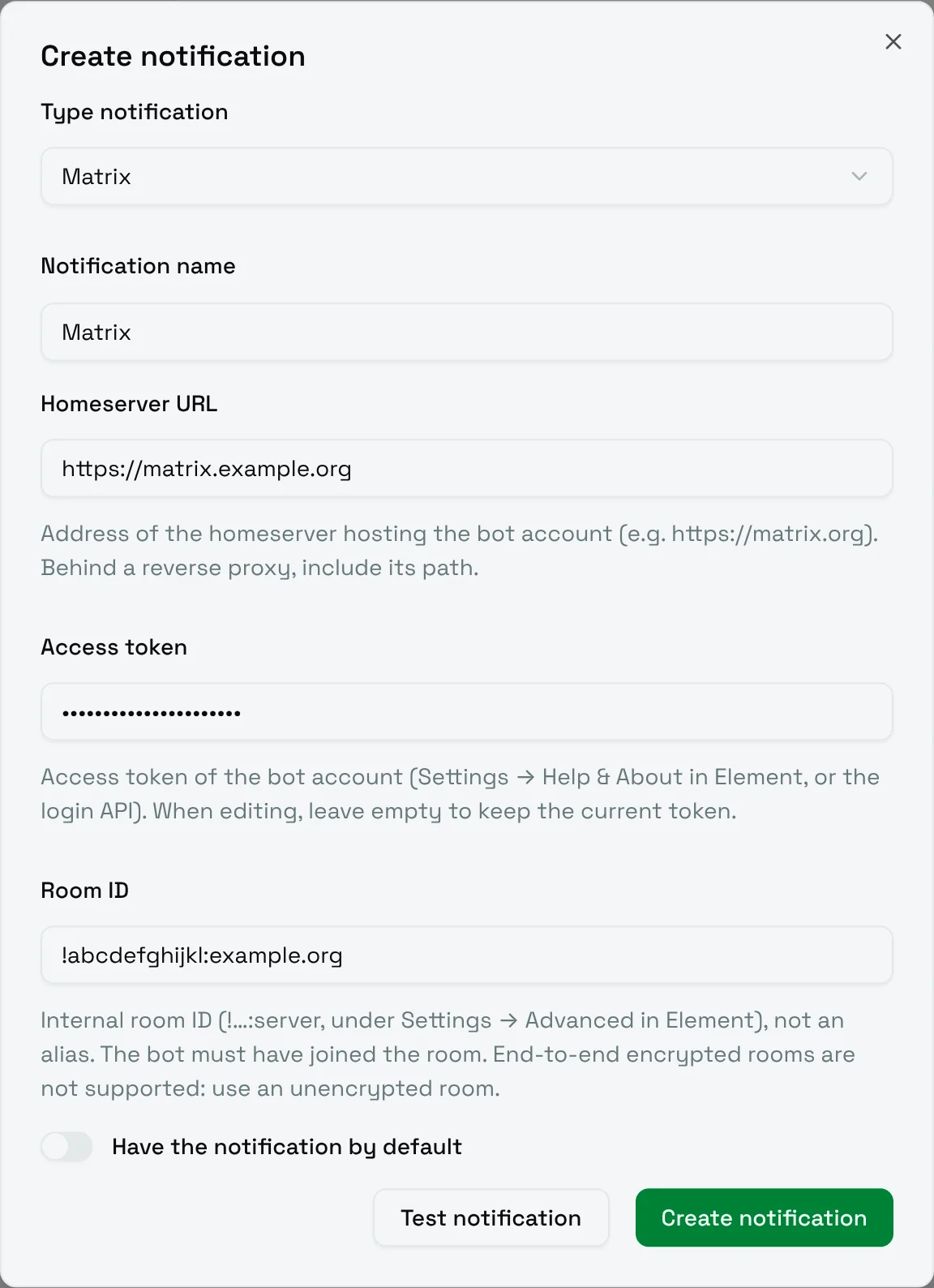
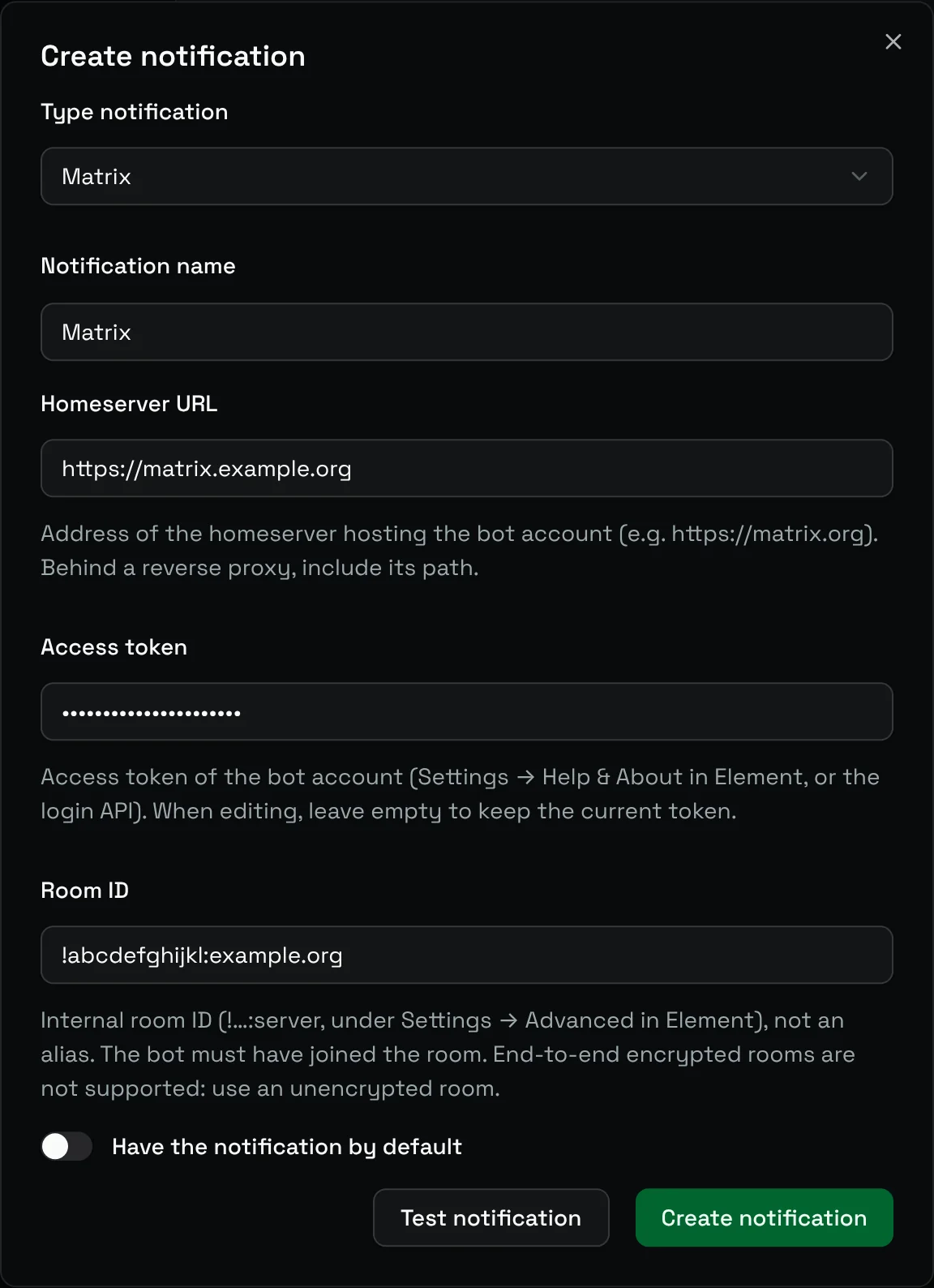
Prepare the bot account
- Create a dedicated account for the bot on your homeserver, for example
@uptime-kotlin:example.org. - Sign in with this account in Element, open Settings, then Help & About, and copy the Access token under Advanced. Do not sign out of this session afterwards: signing out revokes the token.
- Invite the bot to the room that should receive the alerts, then accept the invitation with the bot account. The bot must have joined the room.
The room must not be end-to-end encrypted: Uptime Kotlin does not encrypt its messages. Use an unencrypted room for alerts.
Fill in the form
| Field | Meaning |
|---|---|
| Homeserver URL | The address of the homeserver hosting the bot account, for example https://matrix.org. Behind a reverse proxy, include its path. |
| Access token | The access token of the bot account. When editing, leave it empty to keep the current token. |
| Room ID | The internal ID of the room, such as !abcdefghijkl:example.org, shown in Element under Room settings, then Advanced. A room alias (#room:example.org) is not accepted. |
Choose Test notification: the bot should post a test message in the room.
Messages on failure, recovery and reminders give the name of the monitor, the error, the status and the date, which follows NOTIFICATIONS_DISPLAY_TIMEZONE (see Configuration).