
Notifications / Send alerts to Gotify
Send alerts to Gotify
Push Uptime Kotlin alerts to your self-hosted Gotify server: create an application, paste its token and the server URL, then send a test.
Gotify is a self-hosted push notification server. Alerts go to the Gotify app and web interface.
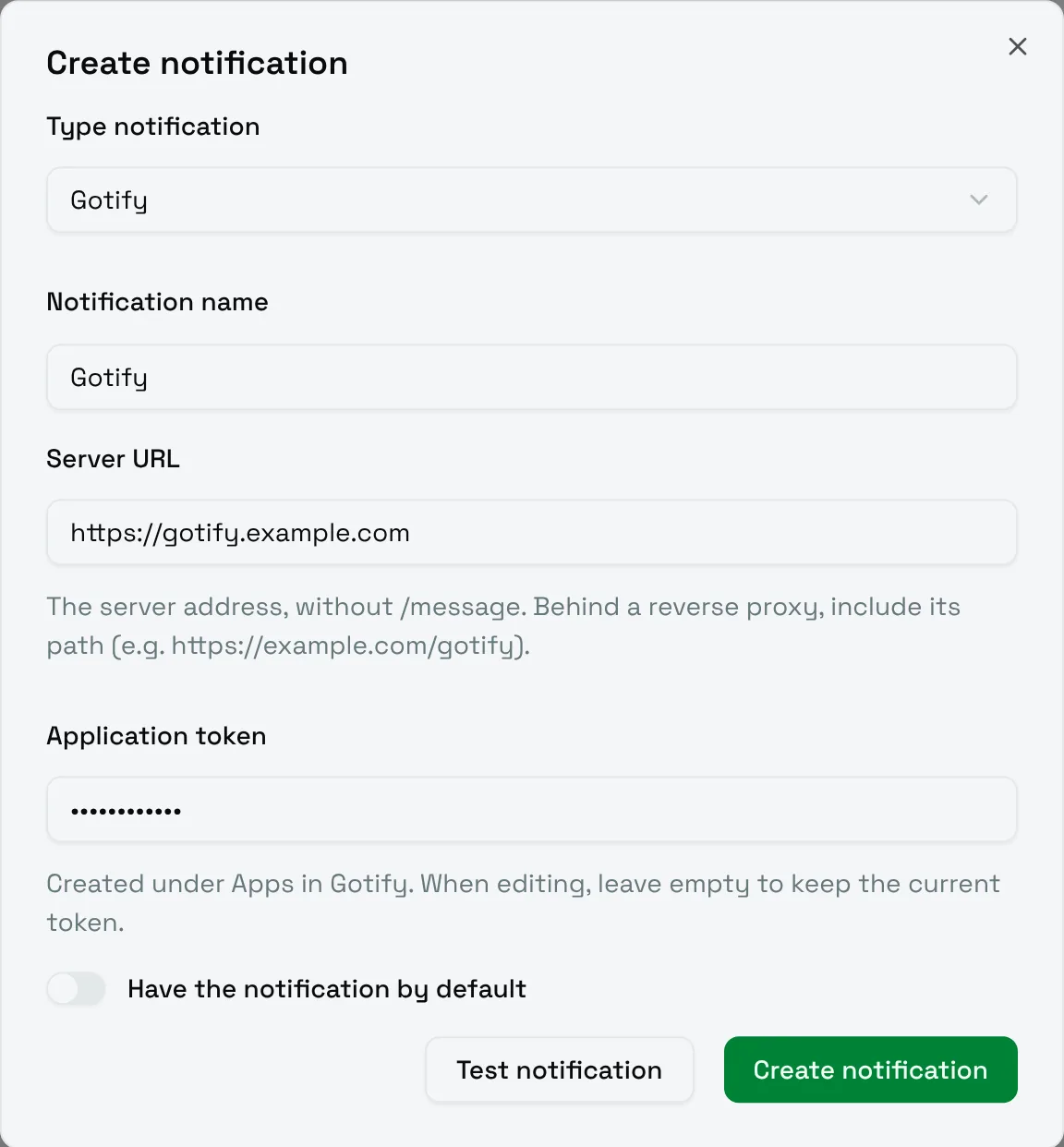
- In Gotify, open Apps and create an application, for example
Uptime Kotlin. Copy its token. - In Uptime Kotlin, fill in the form:
| Field | Meaning |
|---|---|
| Server URL | The address of the server, without /message. Behind a reverse proxy, include its path, for example https://example.com/gotify. |
| Application token | The token of the application. When editing, leave it empty to keep the current token. |
Choose Test notification: the message appears under the application in Gotify.