
Get started / Create your first monitor
Create your first monitor
Watch a website in two minutes, attach a notification and read the first results.
This guide creates an HTTP monitor for a website. Every other protocol follows the same steps, only the What to monitor card changes.
Open the form
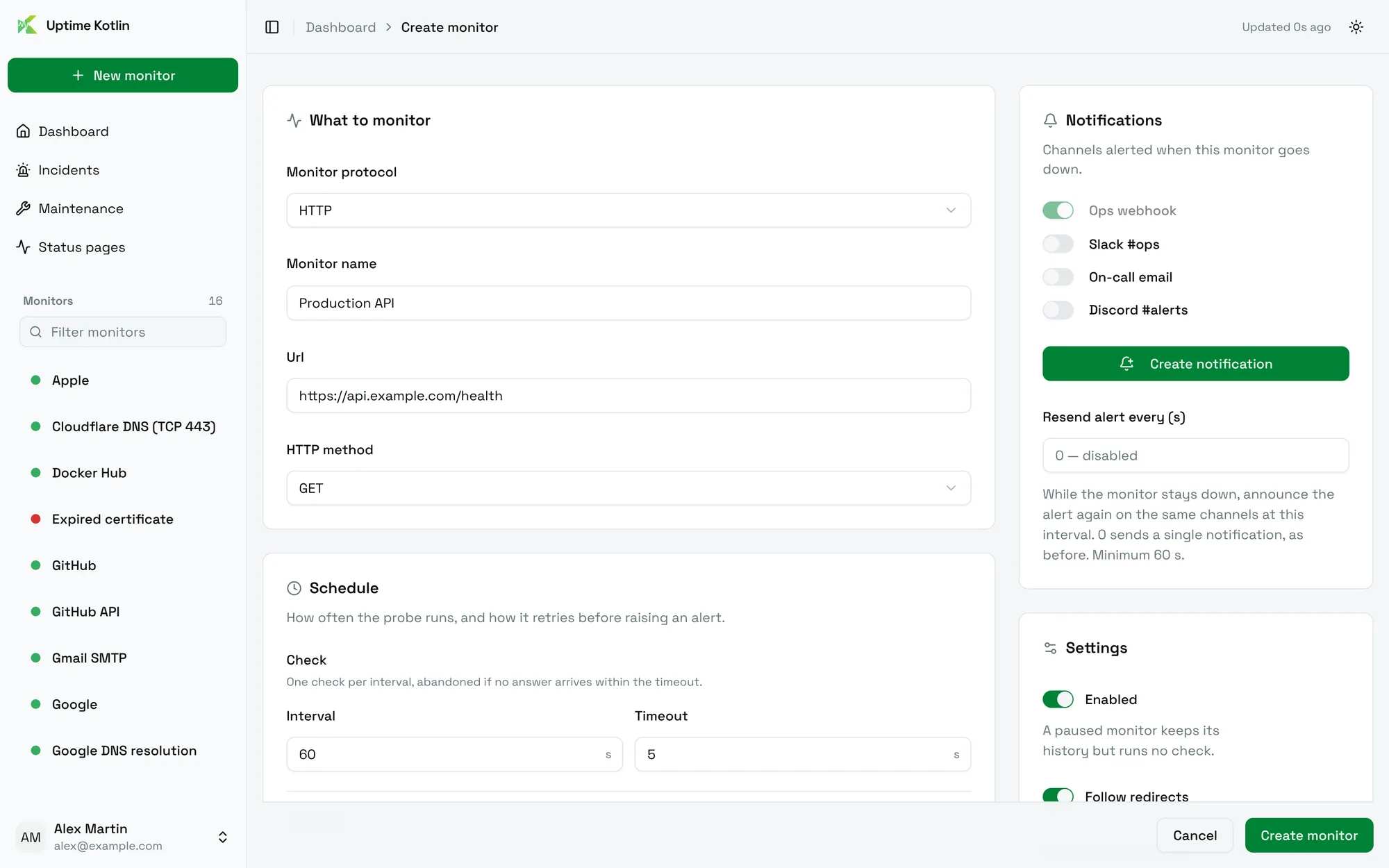
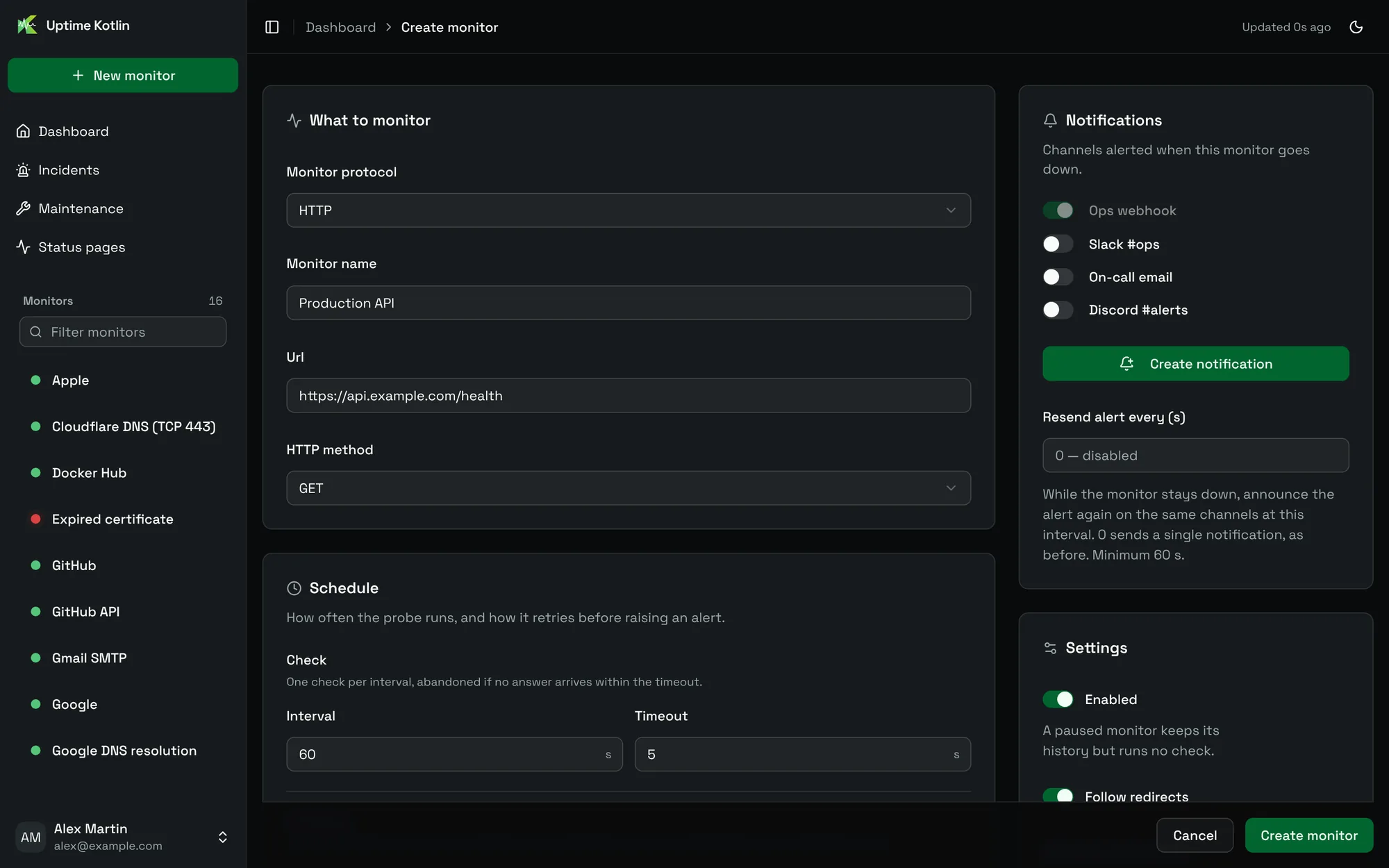
Choose New monitor at the top of the sidebar. The form has four cards: What to monitor, Schedule, Notifications and Settings.
Describe the target
In What to monitor:
- Keep HTTP as the Monitor protocol.
- Give the monitor a Monitor name, for example
Production API. The name appears in the sidebar, in alerts and on status pages. - Enter the Url to check, with its scheme:
https://api.example.com/health. - Keep
GETas the HTTP method.
By default the check succeeds when the server answers with a status between 200 and 299. Every option is described in Monitor a website or an API.
Choose how often it runs
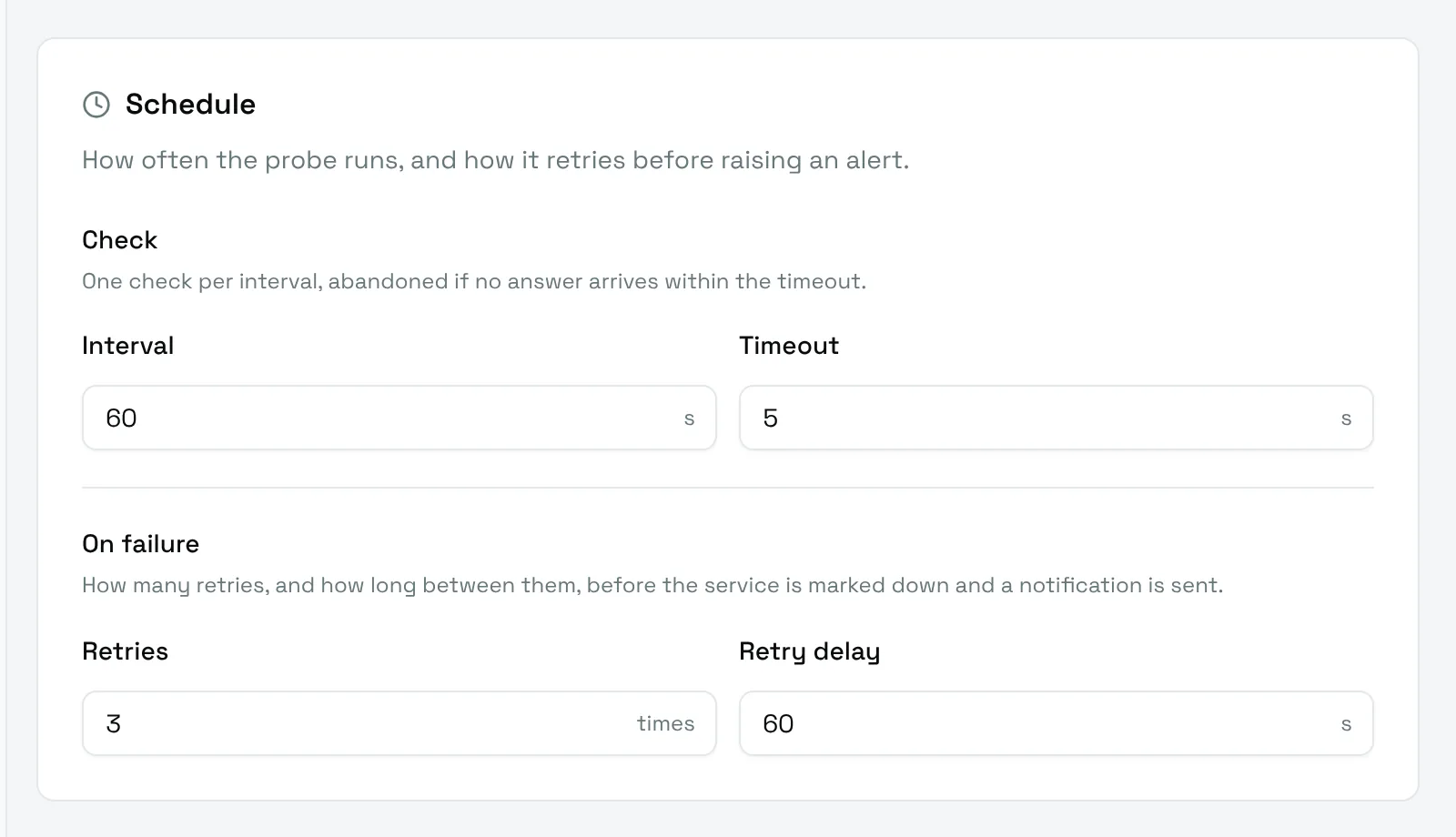
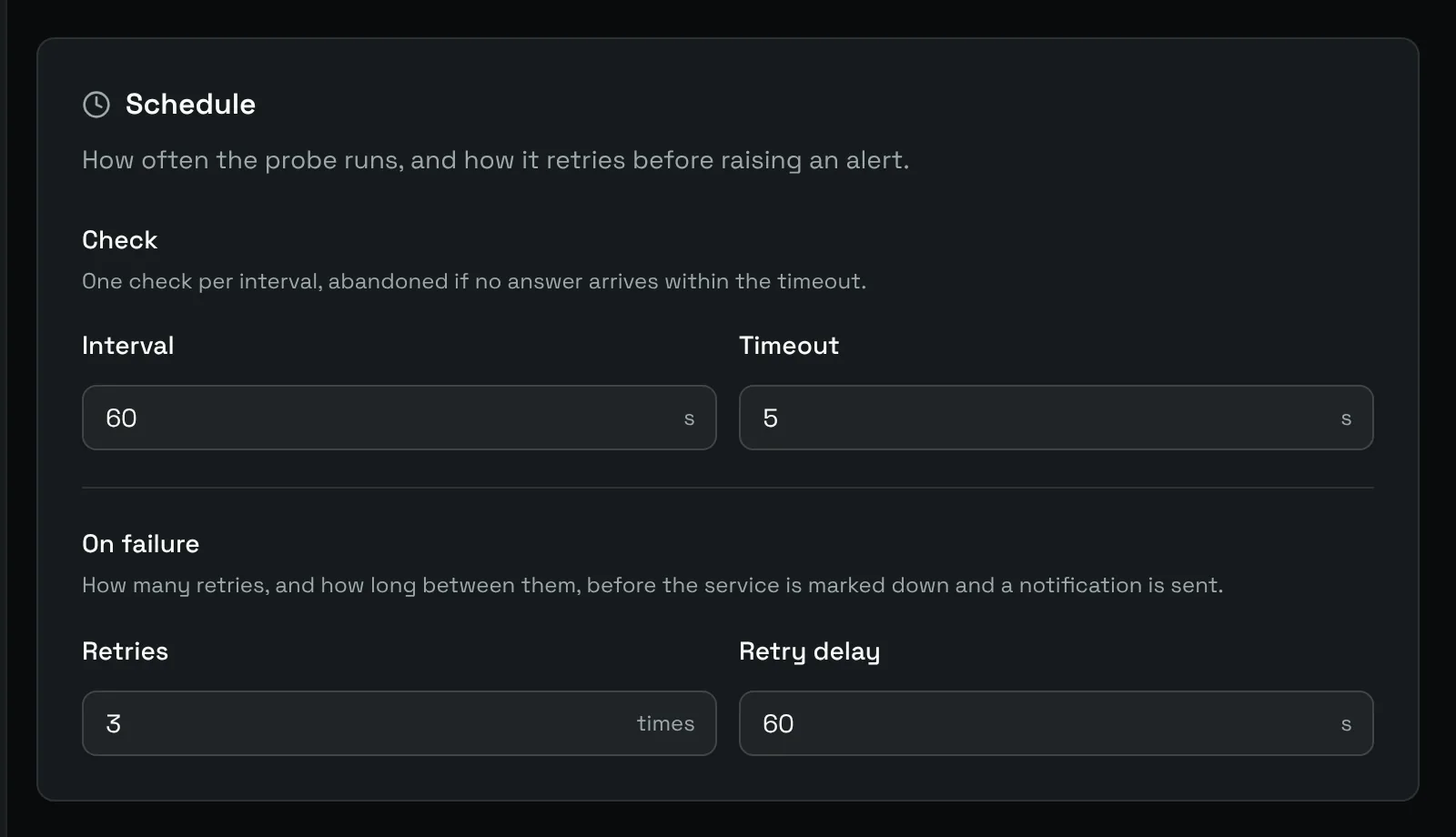
The Schedule card has two parts:
- Check: one check every Interval seconds (60 by default), abandoned after Timeout seconds (5 by default).
- On failure: how many Retries (3 by default) and the Retry delay between them (60 s by default) before the service is marked down and a notification is sent.
How a monitor works explains what happens between the first failed check and the alert.
Pick who gets alerted
The Notifications card lists your notification channels. Switch on the ones that should receive the alerts of this monitor. A channel marked as default is always on and cannot be switched off.
No channel yet? Choose Create notification to add one without leaving the form. See Notifications for every channel.
Save and read the results
Choose Create monitor. The monitor appears in the sidebar with a colored dot: green when the last check succeeded, red when the monitor is down.
Select it to open its page: uptime over 24 hours, 7 and 30 days, the last hour of checks, response times and the full log.
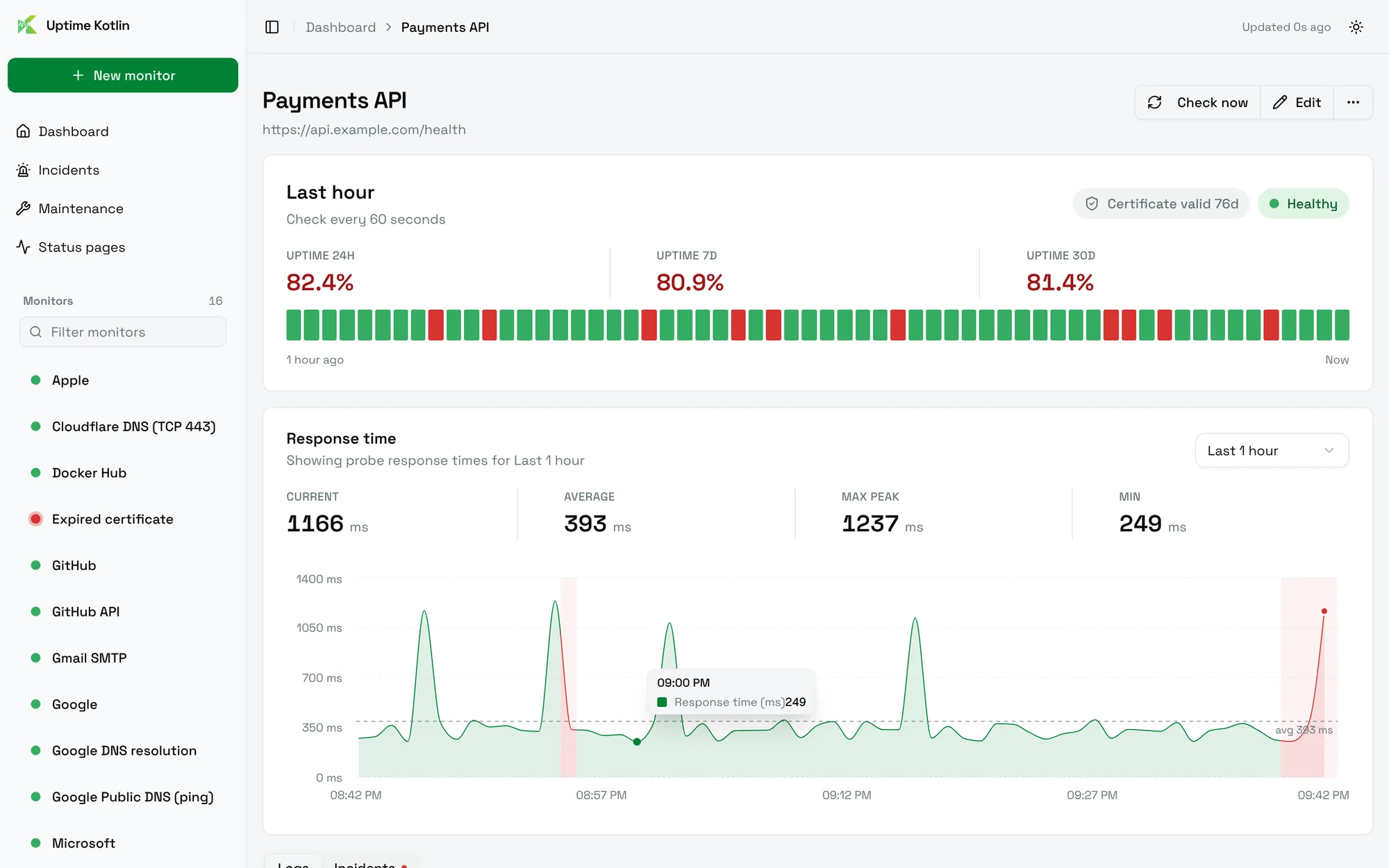
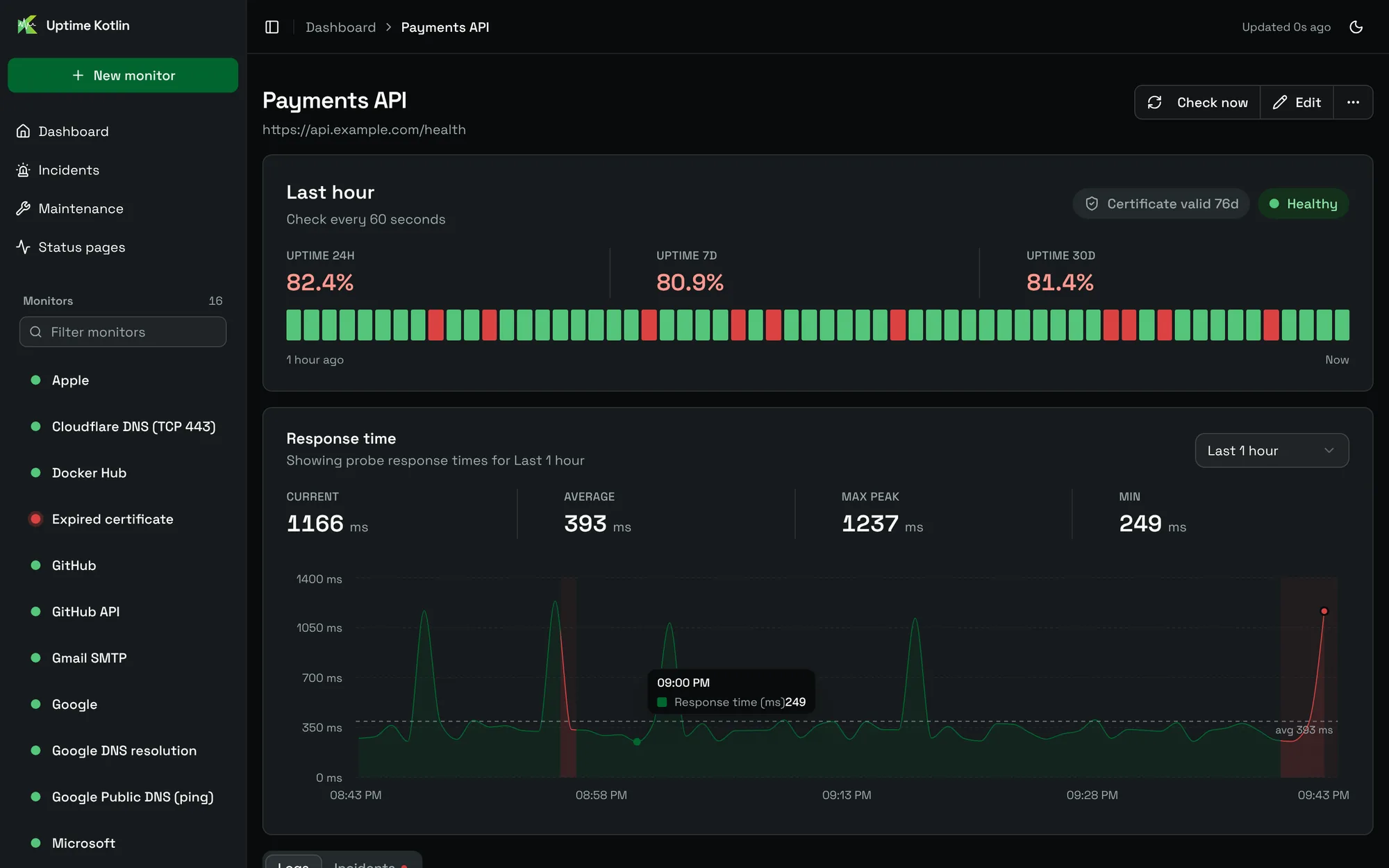
The first results arrive after one interval. To run a check right away, choose Check now at the top of the page. Read a monitor page describes each part.