
Monitors / Monitor a website or an API
Monitor a website or an API
HTTP checks with status codes, latency threshold, TLS certificate tracking, headers, authentication, assertions and multi-step scenarios.
The HTTP protocol sends a request to a URL and checks the answer. It covers simple uptime checks of a home page as well as API health checks with authentication and JSON assertions.
Set the target
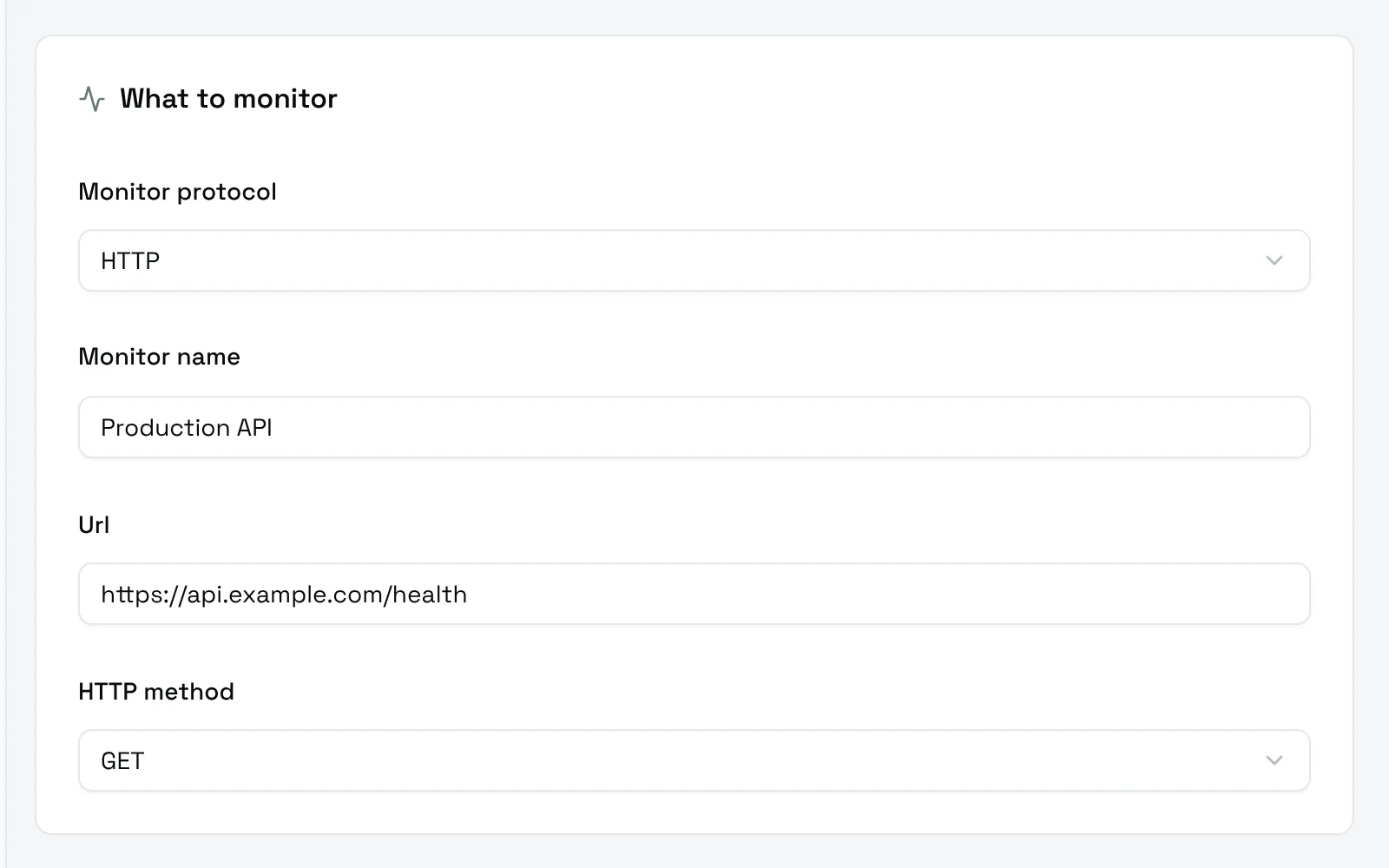
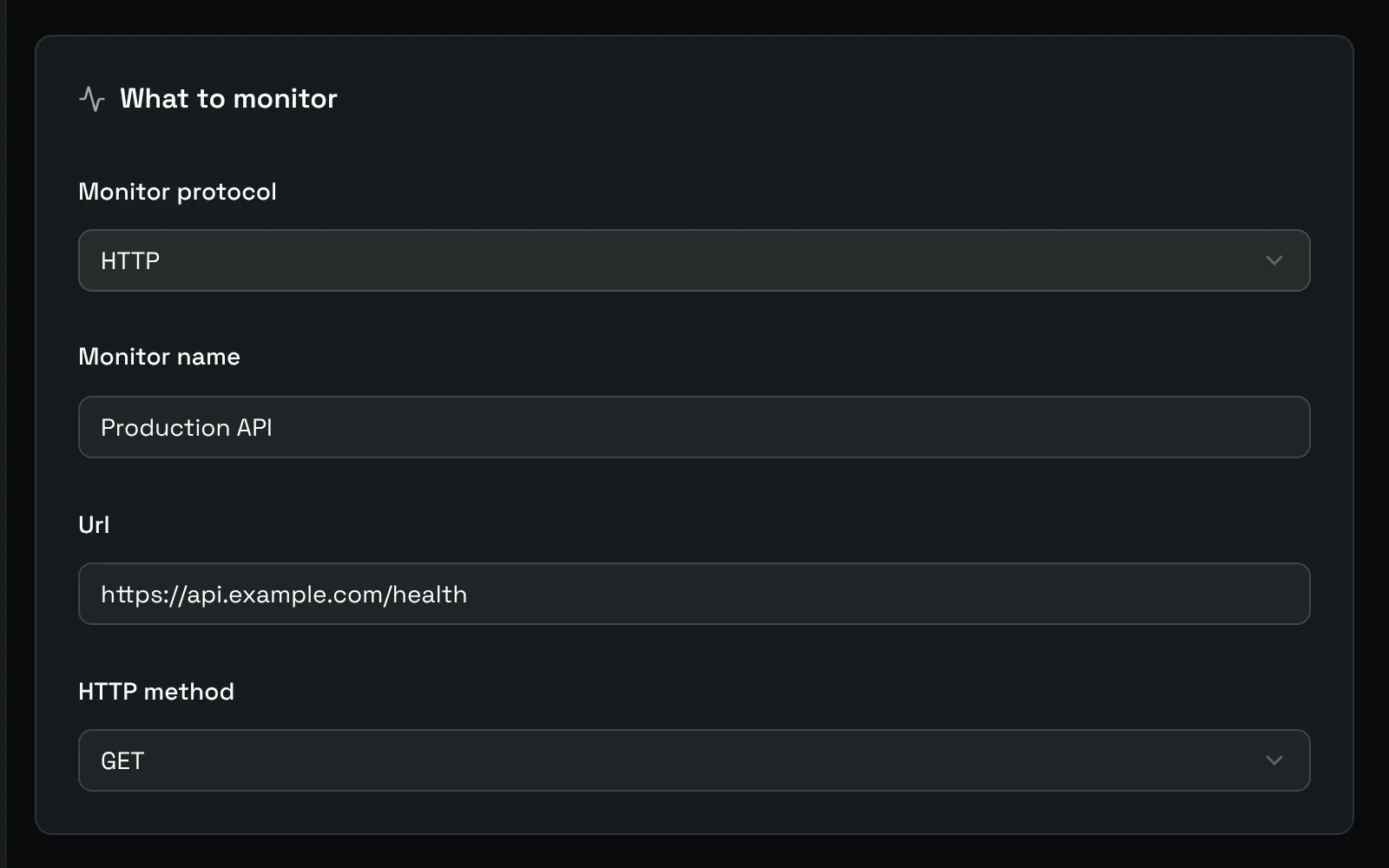
- Url: the full address, with
http://orhttps://. - HTTP method:
GETby default.HEAD,POST,PUT,PATCH,DELETEandOPTIONSare available.
Settings
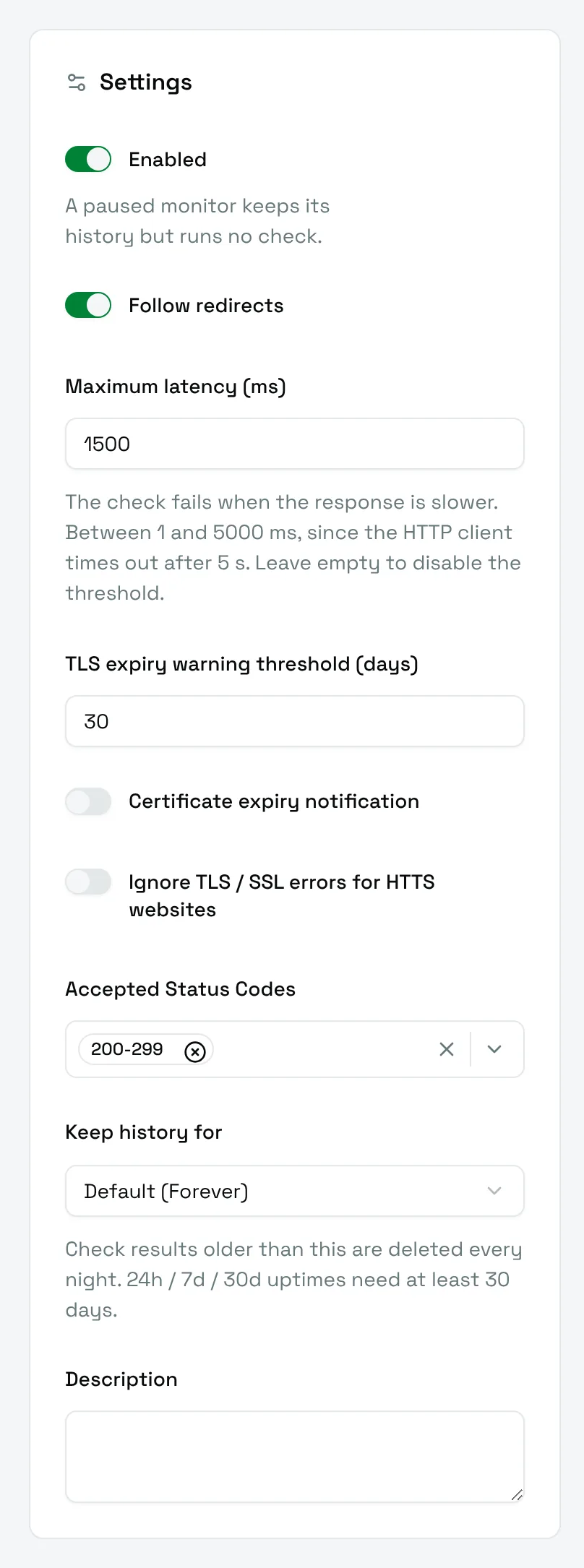
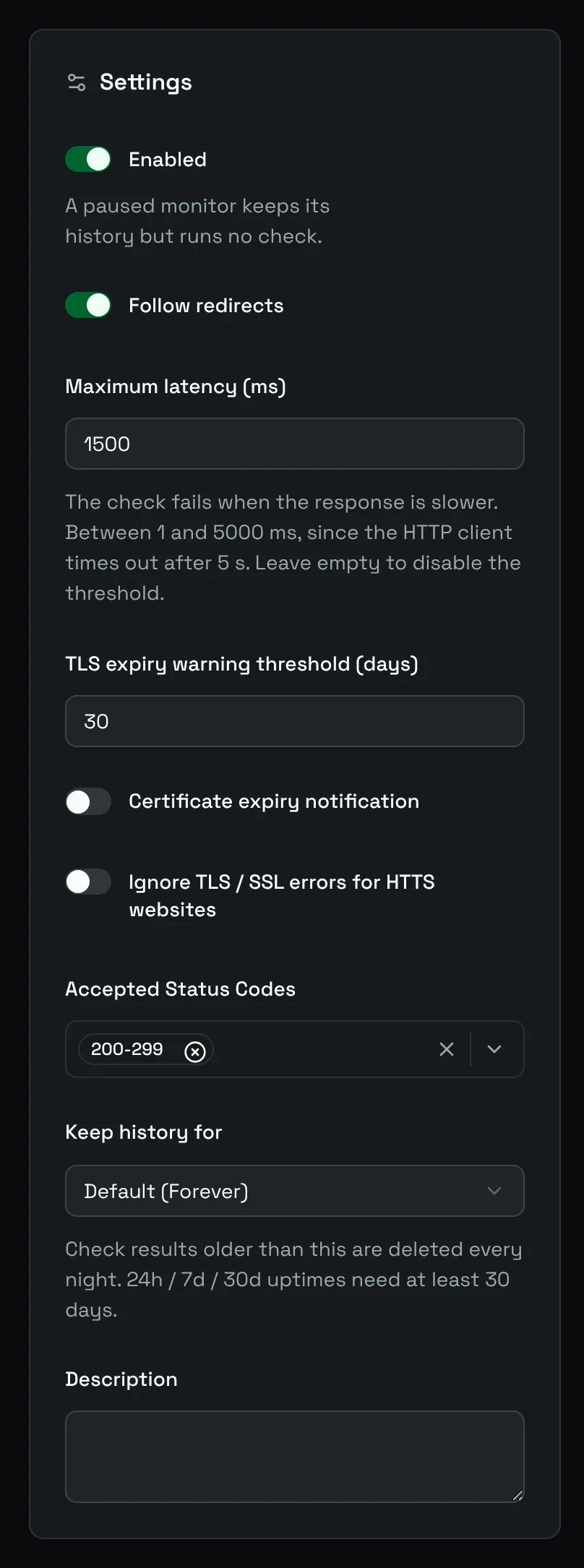
The Settings card of an HTTP monitor adds the options that decide whether an answer counts as a success.
| Field | Default | Meaning |
|---|---|---|
| Follow redirects | On | Follow 3xx redirections and check the final answer. |
| Maximum latency (ms) | 2000 | The check fails when the answer is slower. Between 1 and 5000 ms, since the HTTP client gives up after 5 s. Leave it empty to disable the threshold. |
| TLS expiry warning threshold (days) | 30 | How many days before expiry a certificate counts as expiring soon: 7, 15 or 30. |
| Certificate expiry notification | Off | Fail the check when the certificate expires within the threshold. |
| Ignore TLS / SSL errors for HTTS websites | Off | Accept an invalid or self-signed certificate. The certificate is then no longer read. |
| Accepted Status Codes | 200-299 |
Status codes that count as a success. |
Accepted status codes
Pick whole families (100-199, 200-299, 300-399, 400-499, 500-599) or single codes such as 401 or 503. A check succeeds when the status matches any of the selected entries.
For example, a login page protected by a reverse proxy may answer 401 on purpose: accept 200-299 and 401.
TLS certificates
For an https:// URL, Uptime Kotlin reads the certificate once a day and shows its validity on the monitor page, for example Certificate valid 76d.
With Certificate expiry notification on, the certificate is read at every check, and the check fails as soon as the certificate expires within the threshold. The monitor goes down and you get alerted before your users see a browser warning.
Request and assertions
The HTTP request and assertions card customizes the request and adds checks on the answer.
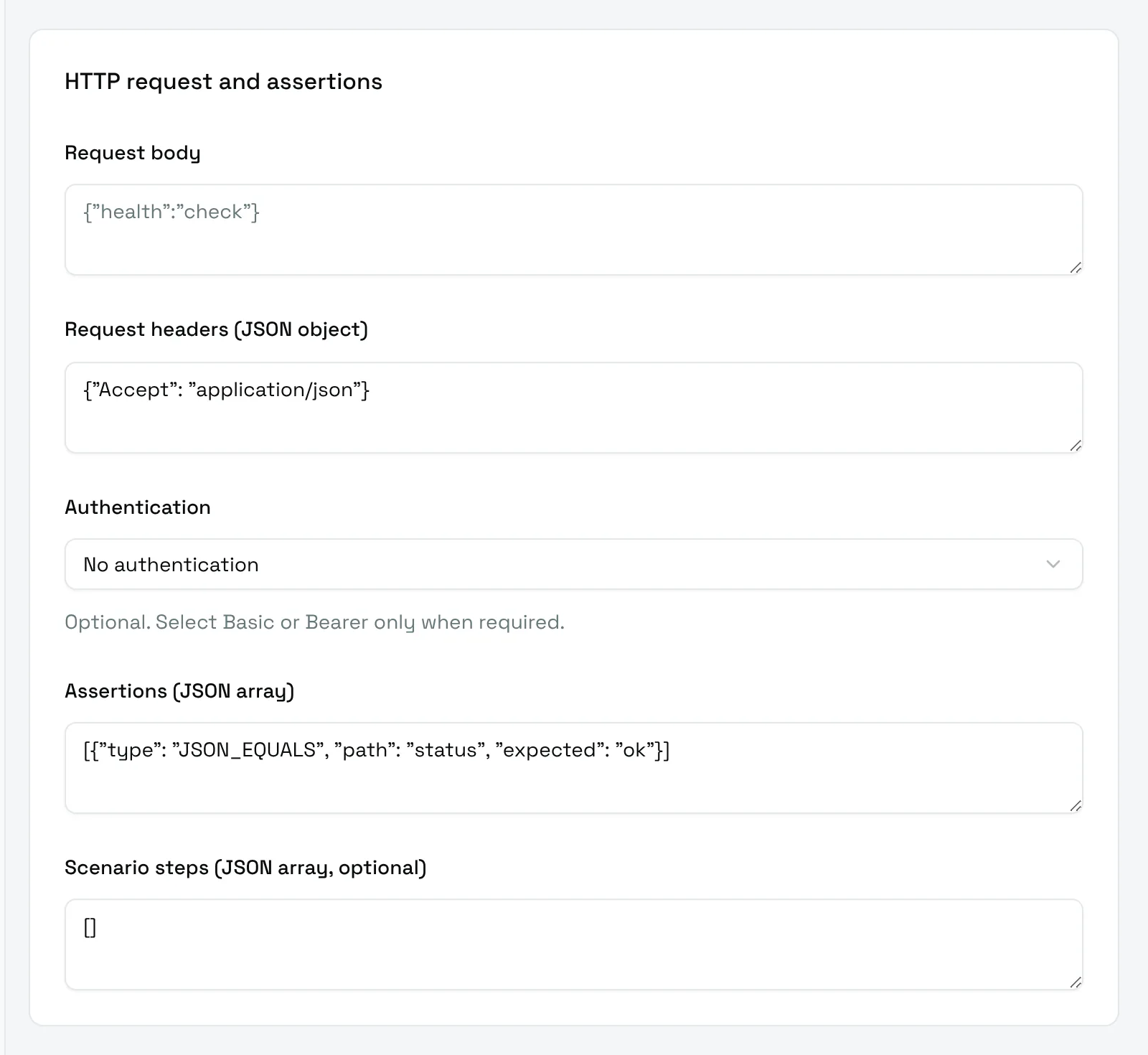
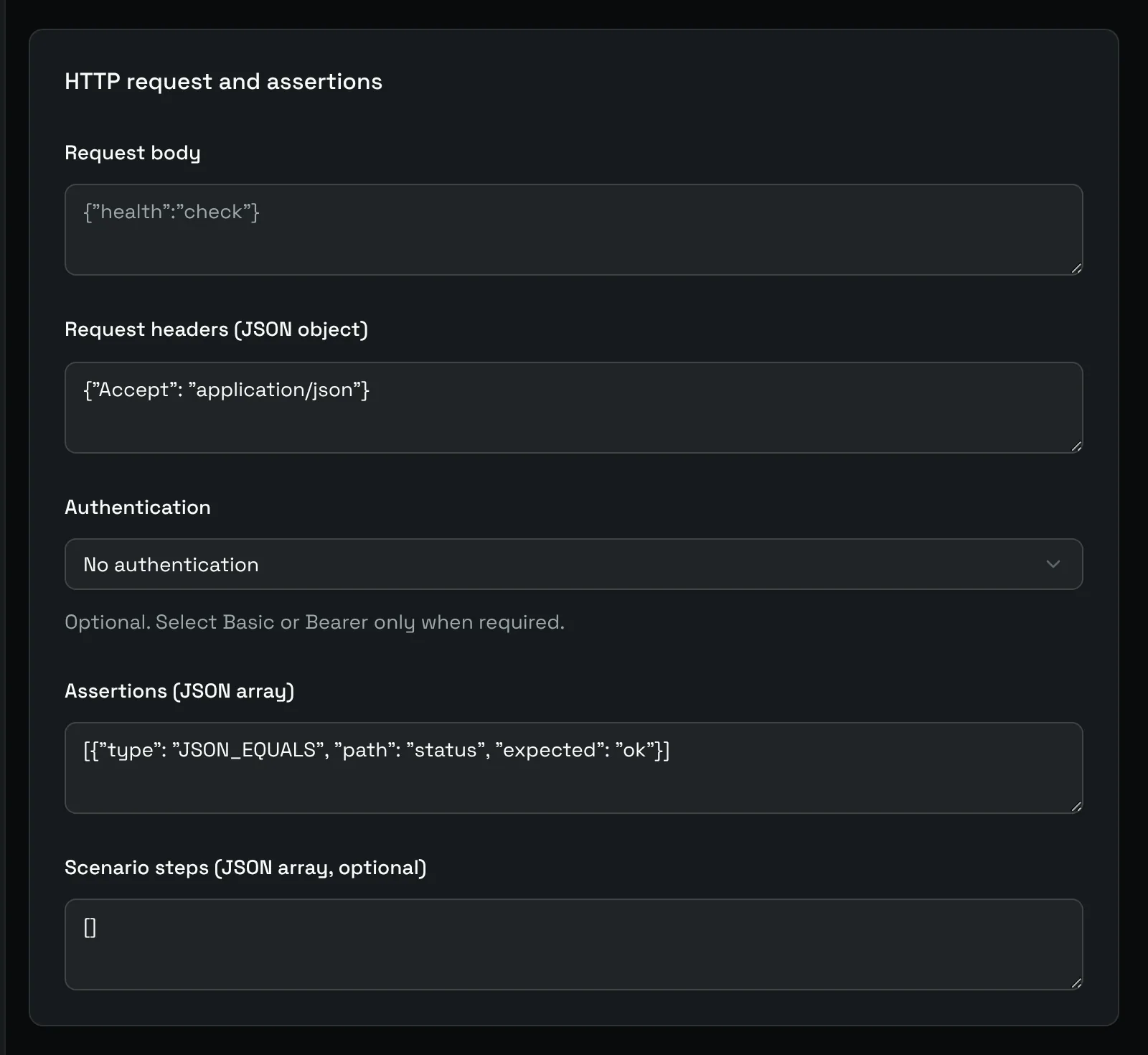
- Request body: sent as is, for
POST,PUTorPATCHrequests. - Request headers (JSON object): for example
{"Accept": "application/json", "X-Api-Key": "value"}. - Authentication: No authentication, Basic authentication (username and password) or Bearer token.
Assertions
Assertions (JSON array) adds checks on the answer, on top of the status code. Every assertion must pass. Three types exist:
| Type | Fields | Passes when |
|---|---|---|
TEXT_CONTAINS |
expected |
The body contains the text. |
JSON_EQUALS |
path, expected |
The value at path in the JSON body equals expected. |
RESPONSE_HEADER_EQUALS |
header, expected |
The response header has exactly this value. |
The path of JSON_EQUALS uses dots (data.status) or a JSON pointer (/data/status). The value is compared as text.
[
	{ "type": "JSON_EQUALS", "path": "status", "expected": "ok" },
	{ "type": "RESPONSE_HEADER_EQUALS", "header": "Content-Type", "expected": "application/json" },
	{ "type": "TEXT_CONTAINS", "expected": "database: up" }
]
Scenario steps
Scenario steps (JSON array, optional) chains several requests in one check, for example a login followed by a call to a protected page. The steps run in order, and the check fails at the first step that fails. When steps are set, they replace the single request built from the URL above.
Each step has a name and a url. It can also set method, headers, body, authentication, http_code_allowed, assertions, follow_redirects and max_latency_ms; the fields a step does not set fall back to the monitor settings.
[
	{
		"name": "Login",
		"url": "https://app.example.com/api/login",
		"method": "POST",
		"headers": { "Content-Type": "application/json" },
		"body": "{\"email\": \"[email protected]\", \"password\": \"secret\"}",
		"http_code_allowed": ["200"]
	},
	{
		"name": "Dashboard",
		"url": "https://app.example.com/api/dashboard",
		"assertions": [{ "type": "JSON_EQUALS", "path": "ready", "expected": "true" }]
	}
]
The log of a successful check lists each step with its status and duration, for example 1/2 Login: HTTP 200 in 84 ms; 2/2 Dashboard: HTTP 200 in 120 ms.
Examples
| Goal | Settings |
|---|---|
| Public home page | GET https://www.example.com, defaults. |
| JSON health endpoint | GET https://api.example.com/health, assertion JSON_EQUALS on status = ok. |
| Slow API alert | Maximum latency (ms) at 800. |
| Certificate renewal reminder | Certificate expiry notification on, threshold 15. |
| Endpoint behind a token | Authentication set to Bearer token. |