
Monitors / Monitor databases
Monitor databases
PostgreSQL, MySQL and MariaDB, Microsoft SQL Server and Redis checks with a query or a command.
Database monitors connect with a connection string and run a query or a command. A successful check proves more than an open port: the server accepts the credentials and answers.
Create a dedicated user with read-only rights for monitoring. Its password is stored encrypted with your ENCRYPTION_MASTER_KEY.
PostgreSQL
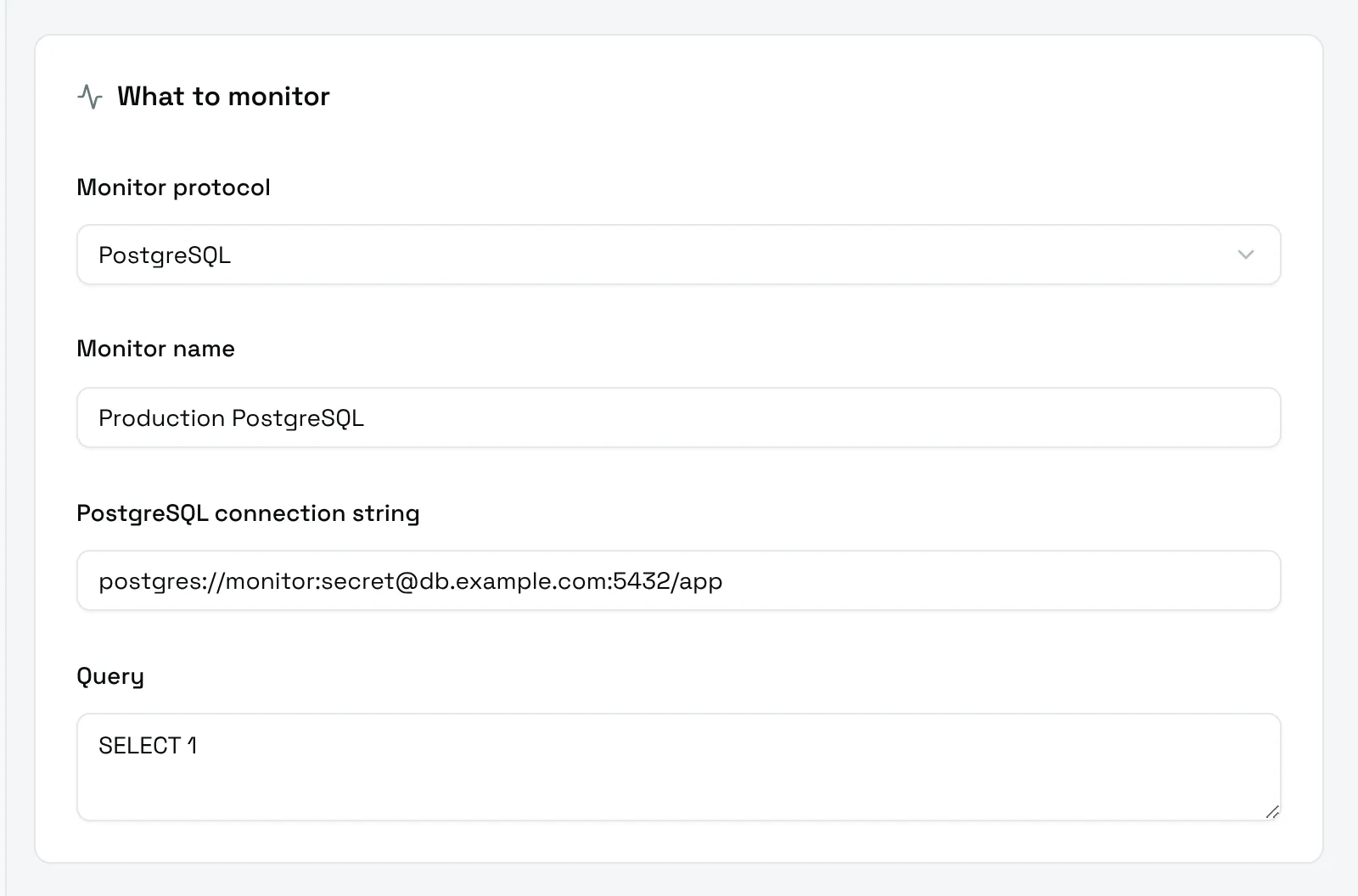
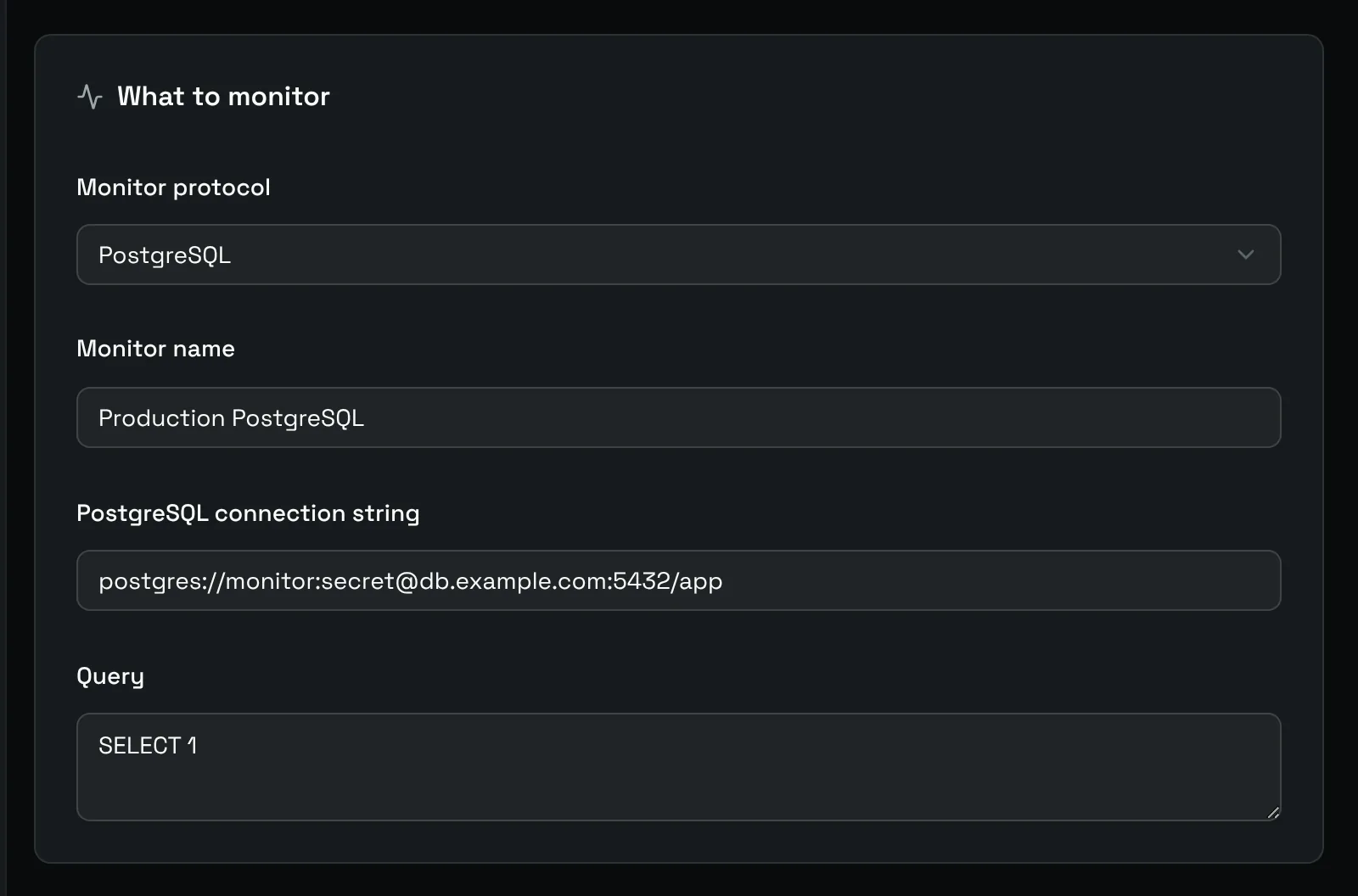
- PostgreSQL connection string:
postgres://username:password@host:5432/database. Thepostgresql://prefix works too. - Query:
SELECT 1by default.
MySQL and MariaDB
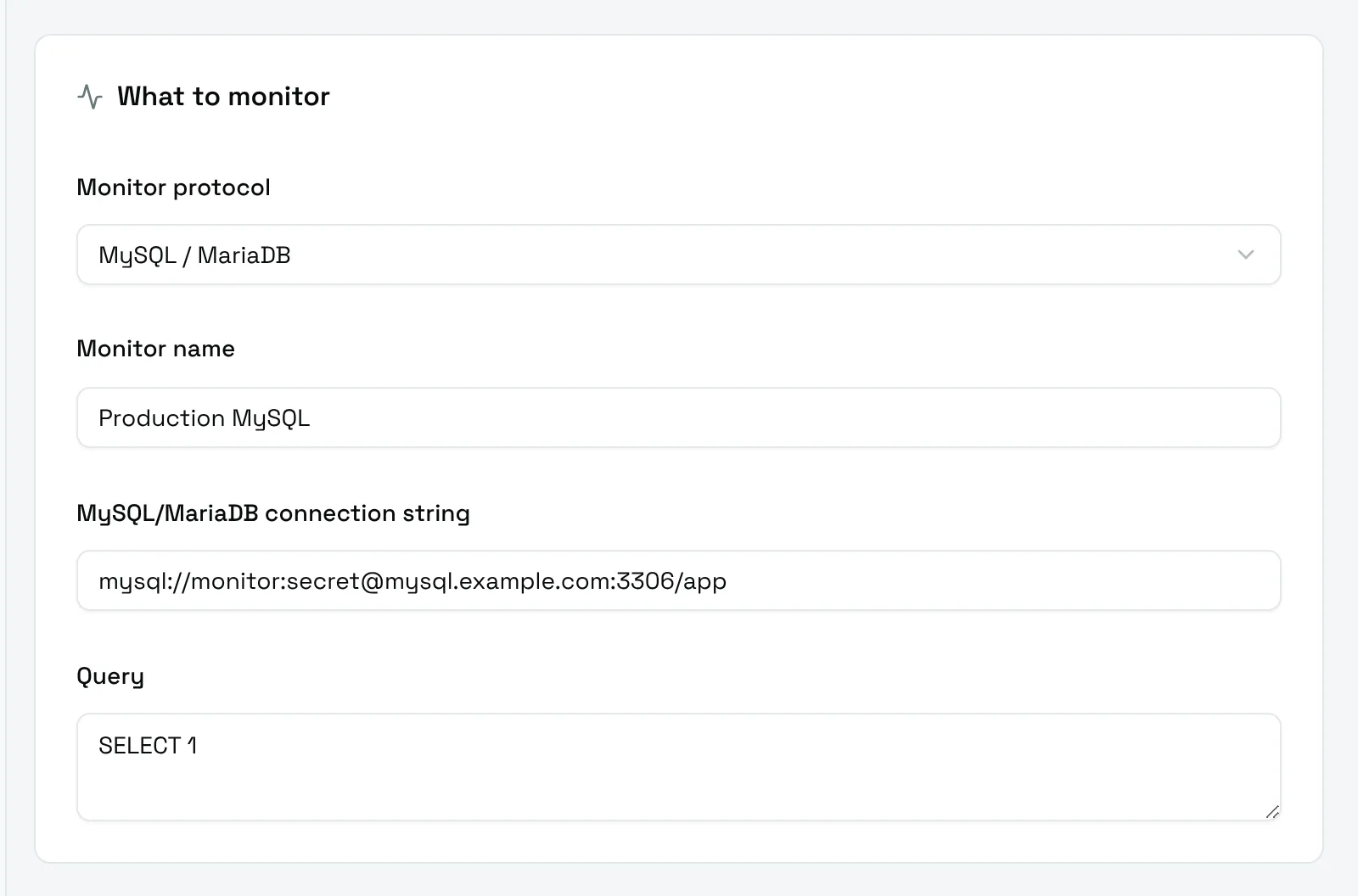
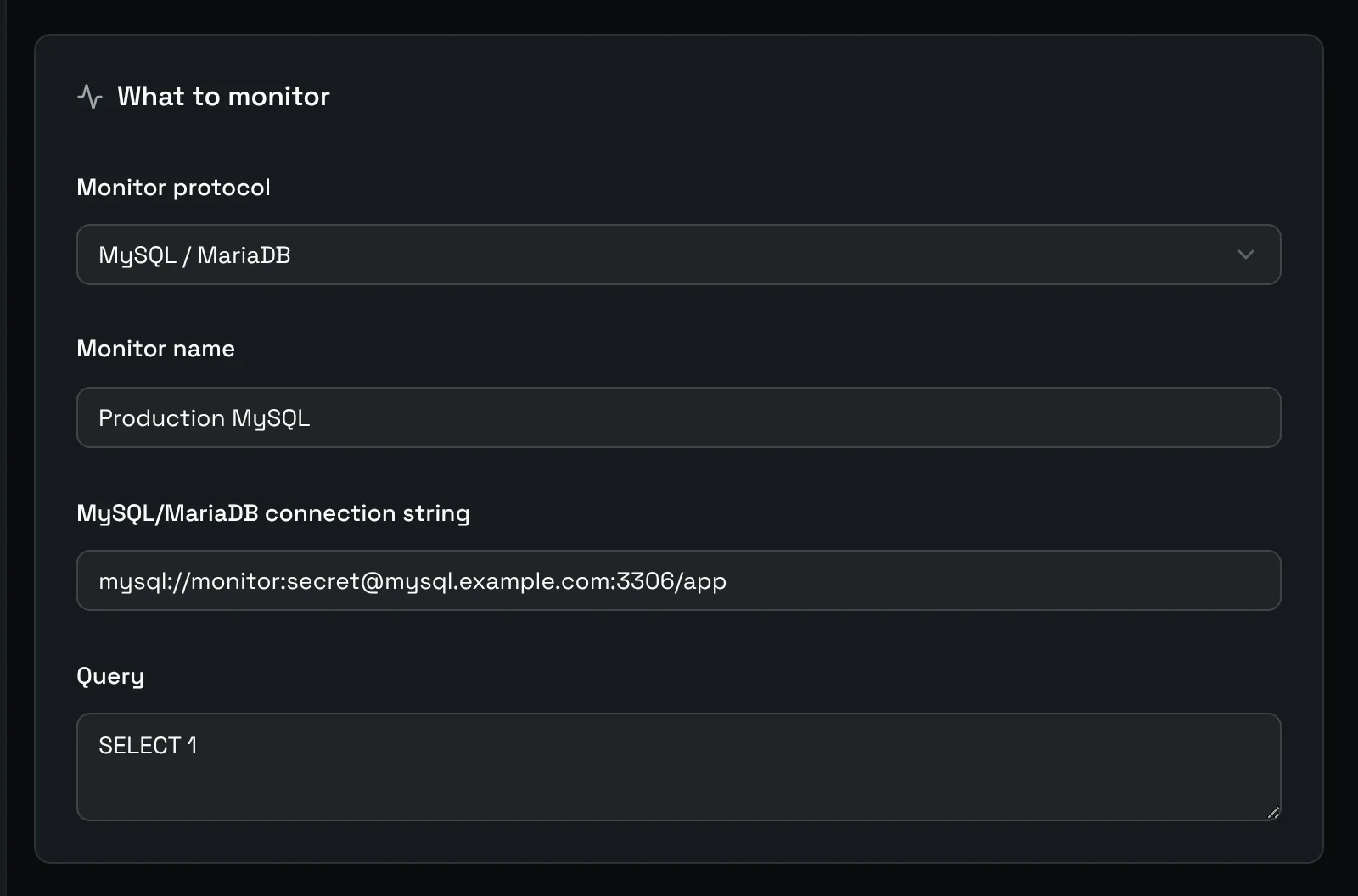
- MySQL/MariaDB connection string:
mysql://username:password@host:3306/database. Themariadb://prefix works too. - Query:
SELECT 1by default.
Microsoft SQL Server
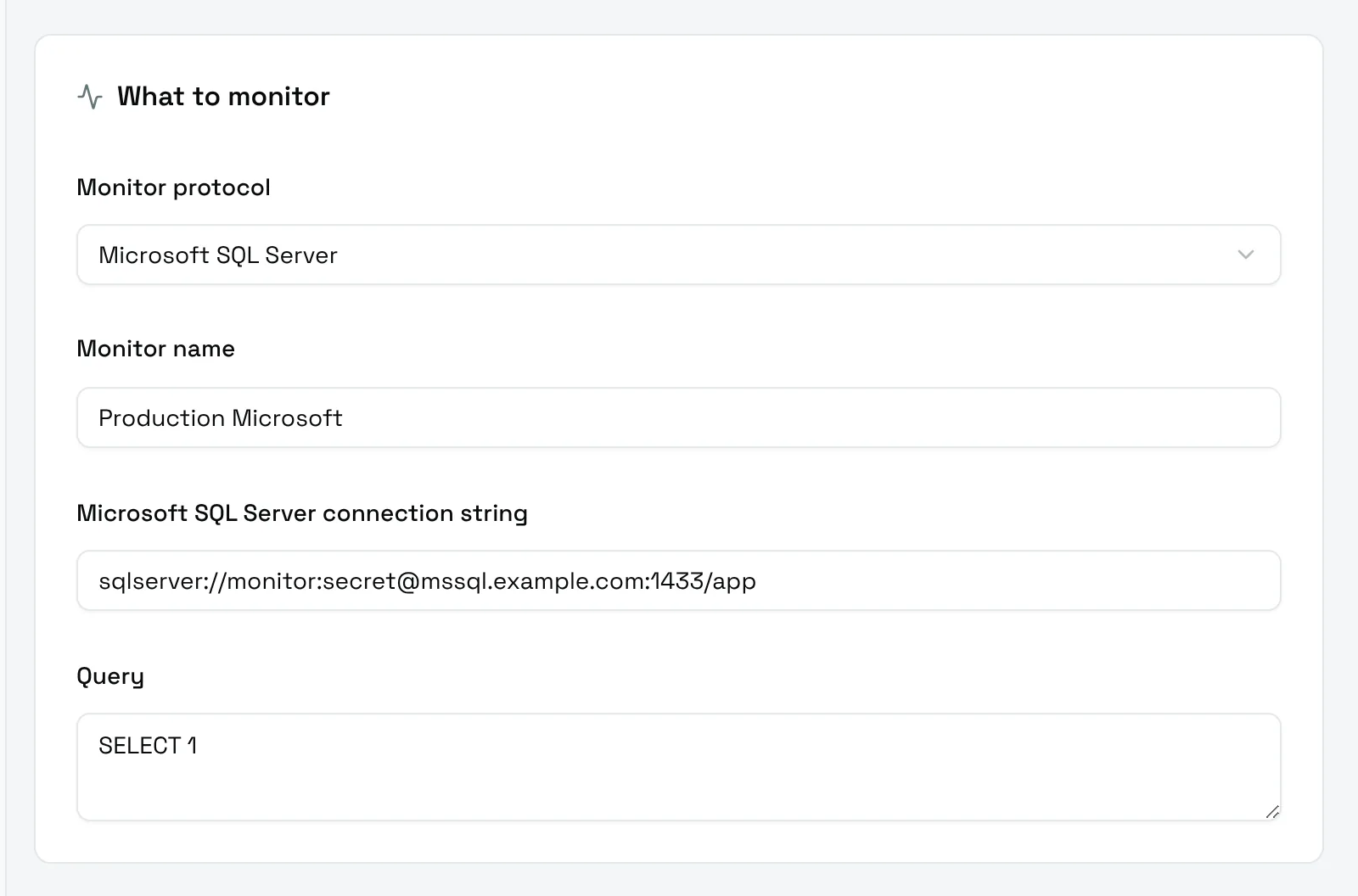
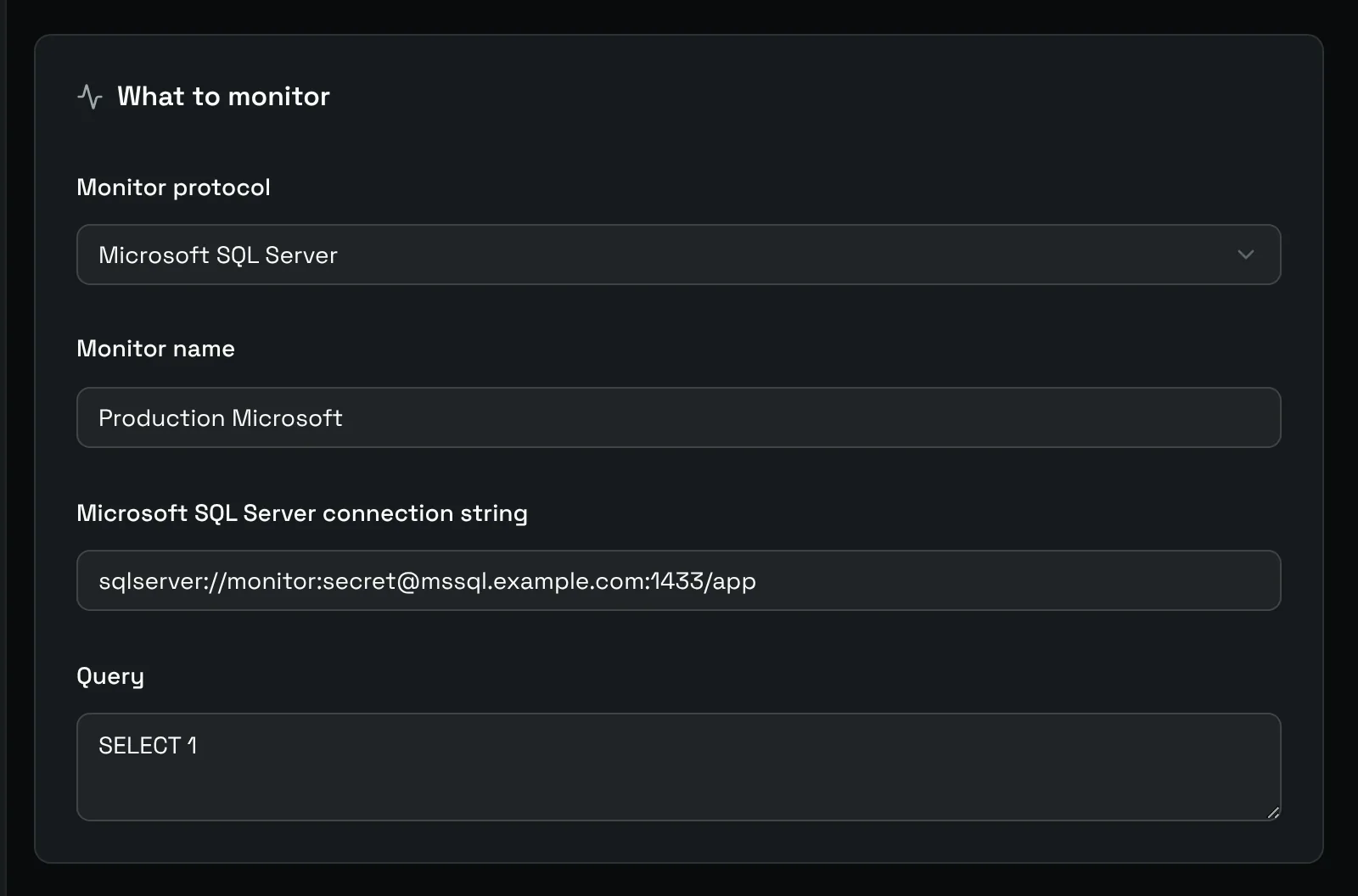
- Microsoft SQL Server connection string:
sqlserver://username:password@host:1433/database. Themssql://prefix works too. - Query:
SELECT 1by default.
Redis
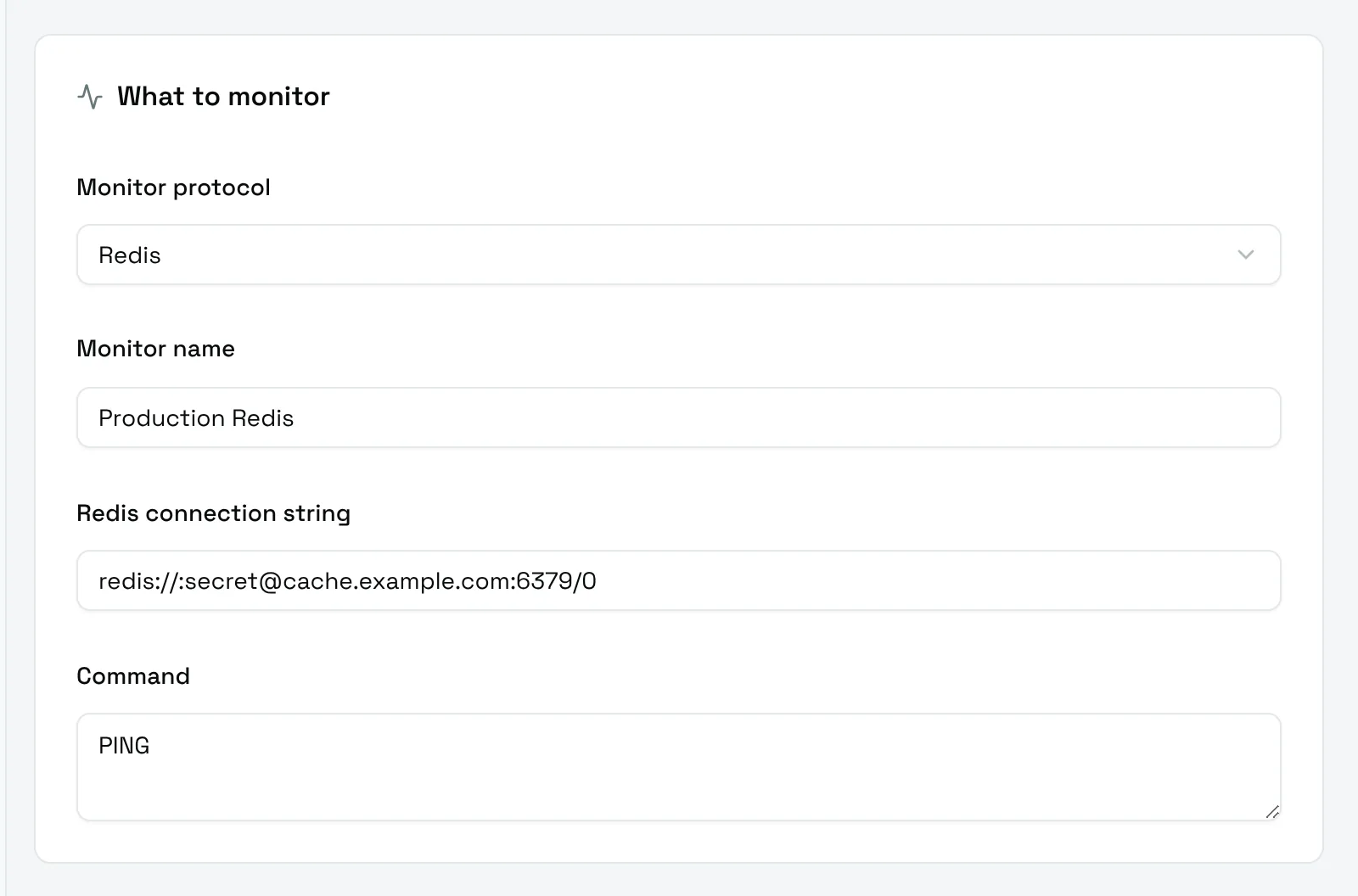
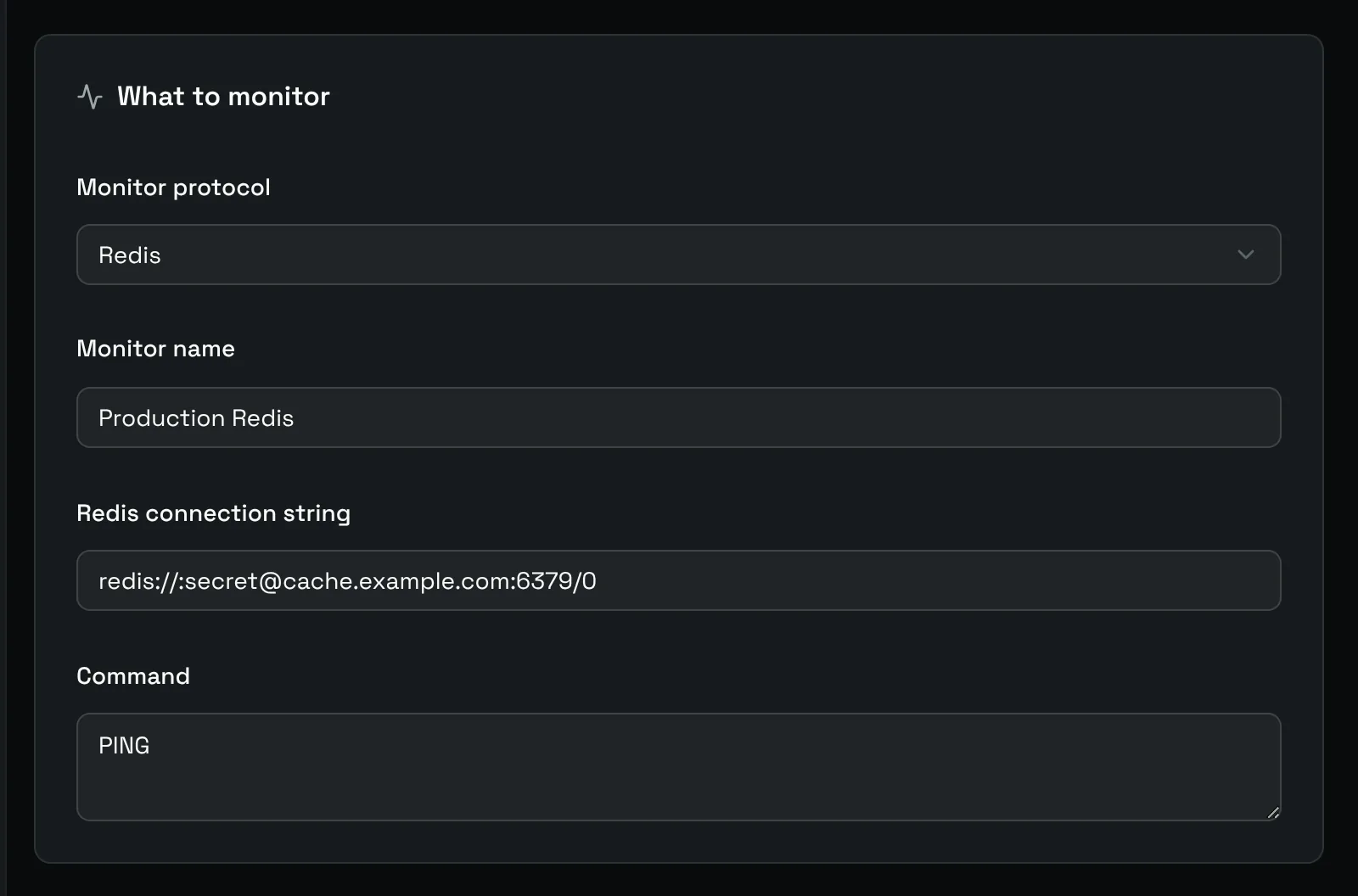
- Redis connection string:
redis://username:password@host:6379/0. Therediss://prefix is accepted too. - Command:
PINGby default.
Write a useful query
SELECT 1 checks that the server answers. A query on your own data goes further and catches a missing table, a broken replica or an exhausted connection pool:
SQL
SELECT 1 FROM orders LIMIT 1Keep the query cheap: it runs at every interval. The check fails when the query fails or takes longer than the Timeout of the schedule.