
Monitors / Read a monitor page
Read a monitor page
Uptime, response times, certificate, logs and the actions available on each monitor.
Select a monitor in the sidebar to open its page. It answers three questions: is it up now, how did it behave lately, and what exactly happened at each check.
The header
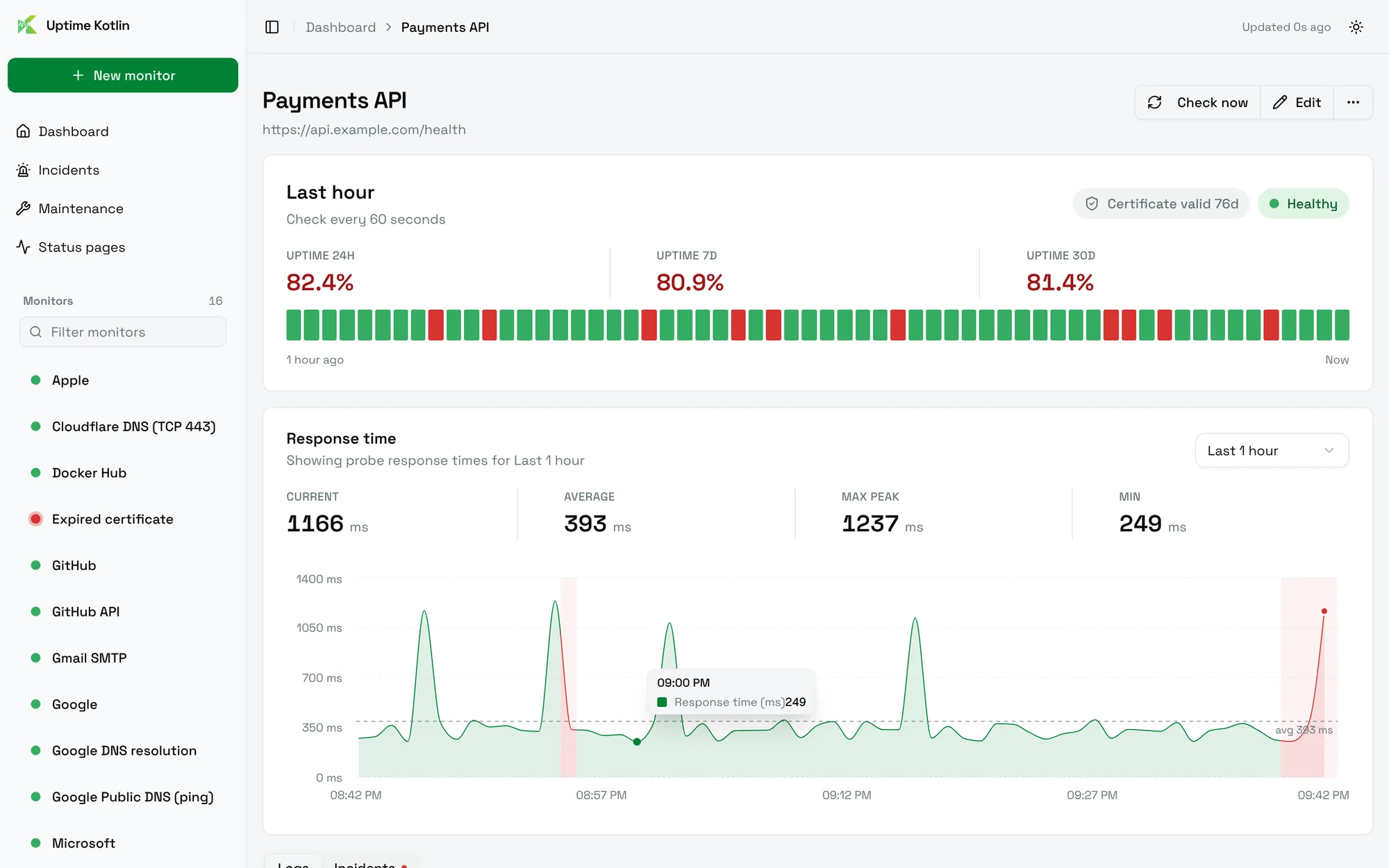
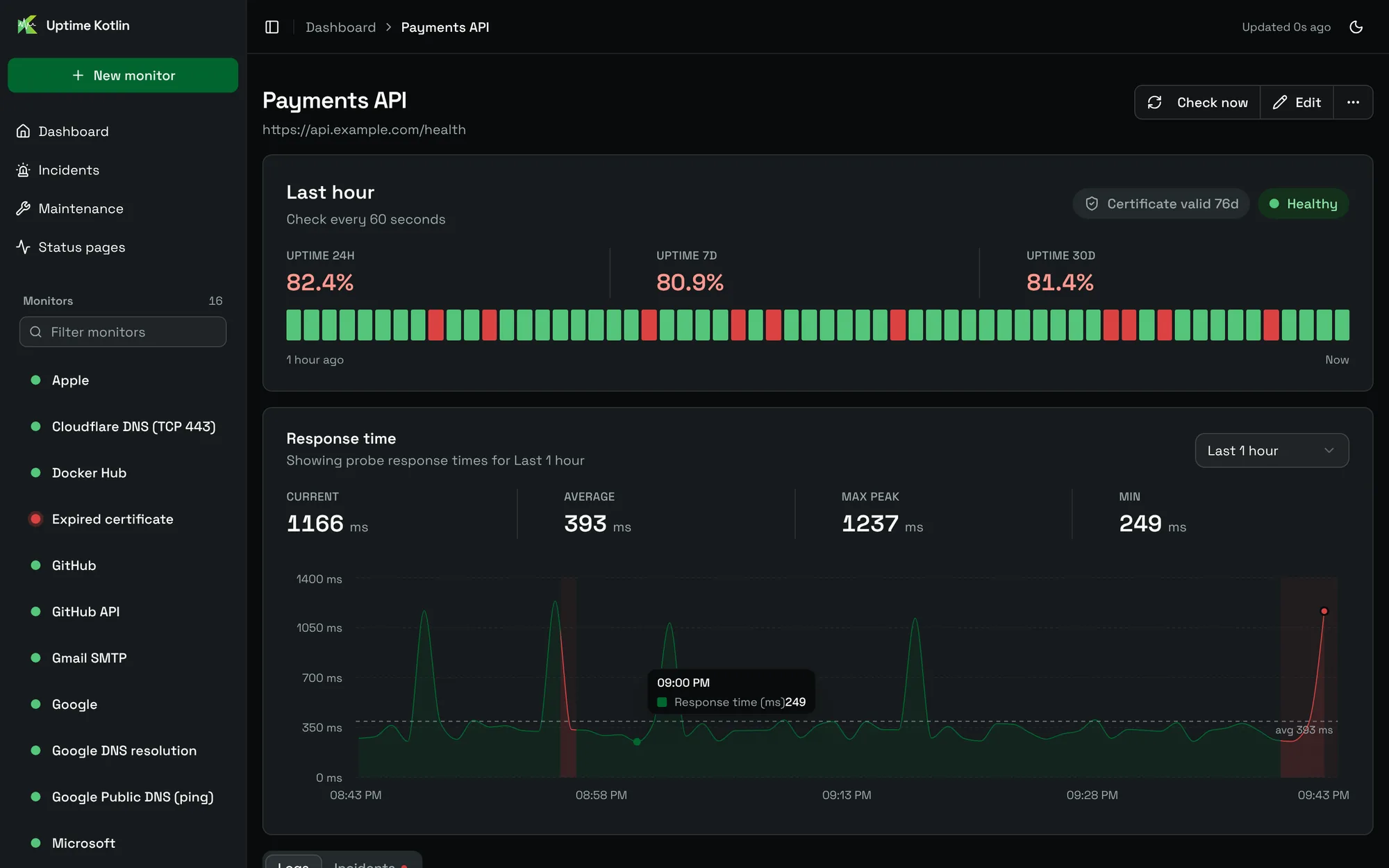
The name and the target of the monitor sit at the top, with three actions:
- Check now runs a check immediately, outside the schedule. The result appears in a few seconds. It is disabled while the monitor is paused.
- Edit opens the form of the monitor.
- More actions starts a maintenance window, duplicates the monitor or removes it.
Last hour
The first card gives the current status (Healthy, Degraded, Unhealthy or Paused) and the uptime over 24 hours, 7 days and 30 days.
The bar below shows the last hour, one square per check: green for a success, red for a failure. A grey square is a moment without any check, for example while the monitor was paused.
For an HTTPS monitor, a badge shows the validity of the certificate: Certificate valid 76d, Certificate expires in 5d or Certificate expired 2d ago. Hover it to see the expiry date and when it was last read.
Response time
The chart plots the duration of each check, with the current, average, maximum and minimum values above it. Pick the period with the selector: last hour, 3 hours, 6 hours, 24 hours or 7 days.
Red bands mark the incidents of the period, so you can see whether a slowdown came before an outage. A dashed line marks the average.
Logs
The Logs tab lists every check: its status, its time, its duration and the message returned by the check.
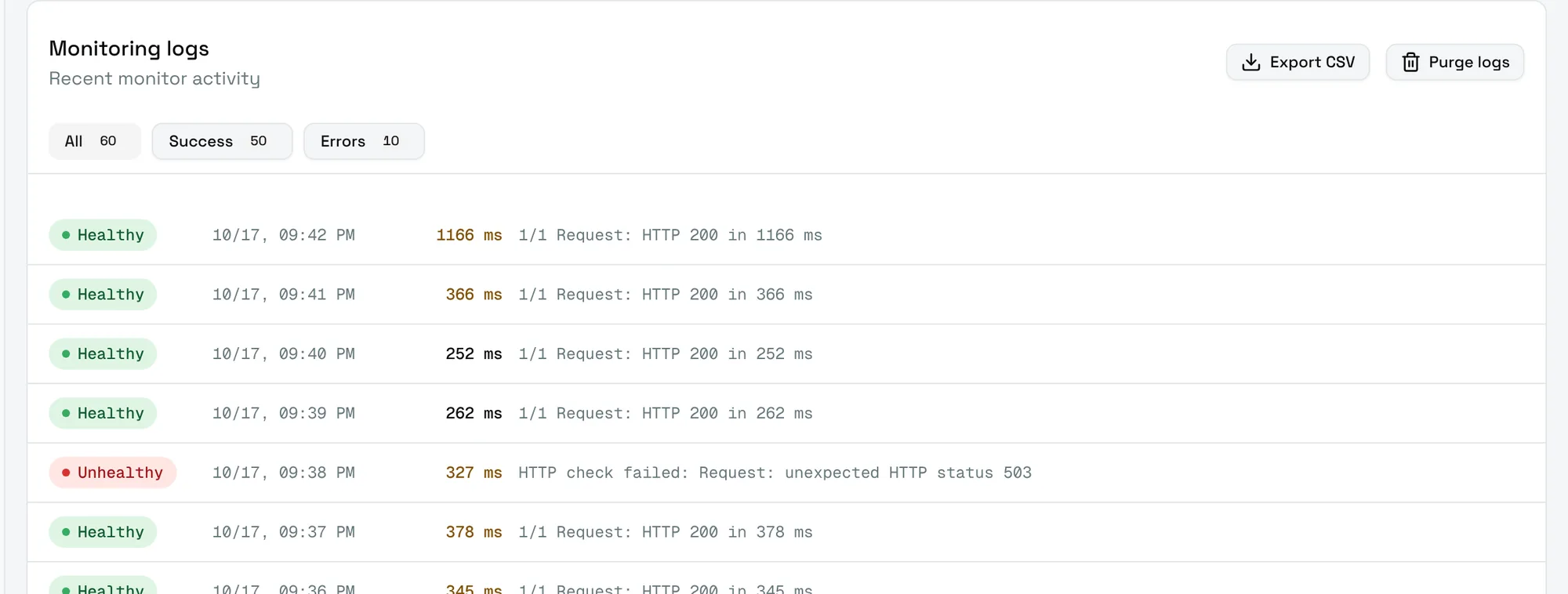
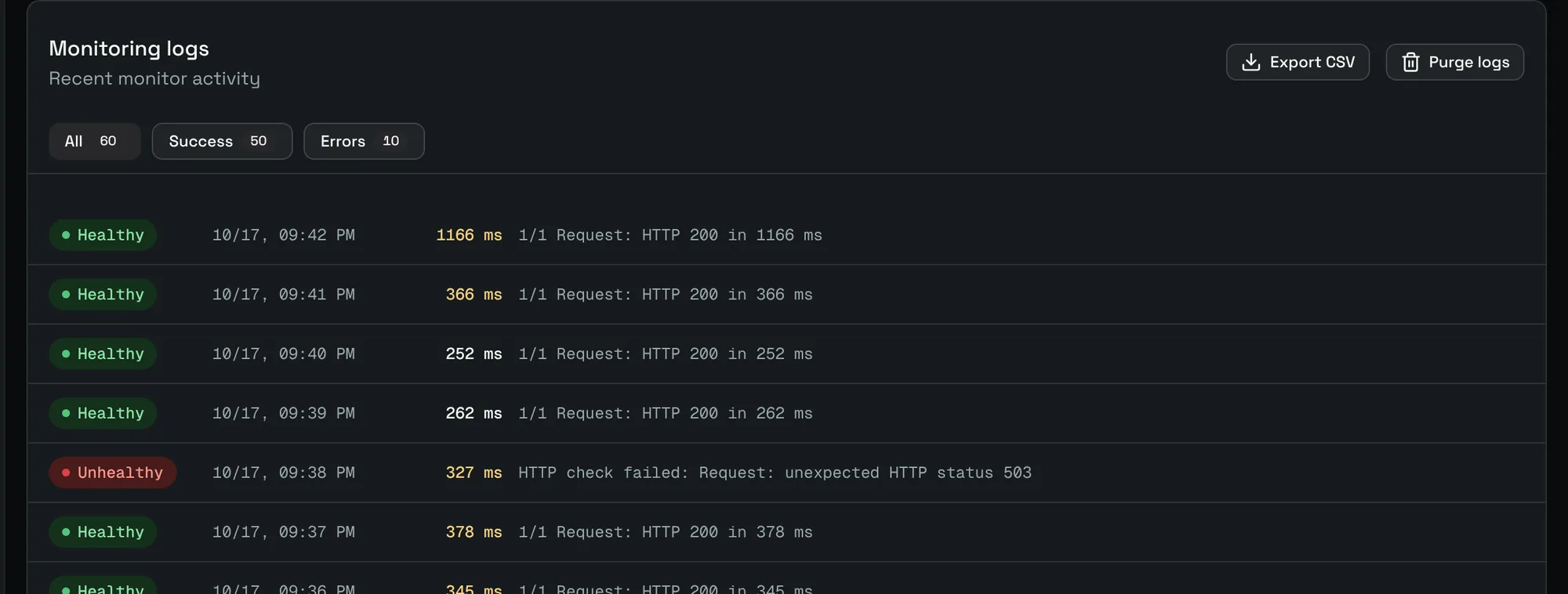
- Filter on All, Success or Errors.
- Export CSV downloads the history of the monitor.
- Purge logs deletes the full history of this monitor. This cannot be undone.
The message explains a failure in plain words, for example HTTP check failed: Request: unexpected HTTP status 503 or DNS lookup failed: No A record found.
Incidents
The Incidents tab lists the outages of this monitor, the ongoing one first. Choose Full history to open the Incidents page filtered on this monitor.