
Monitors / Follow incidents
Follow incidents
Follow ongoing outages, acknowledge them to silence reminders, add notes, review downtime and recovery time, and export the incidents to CSV.
An incident starts when a monitor goes down, after its retries, and ends when it answers again. The Incidents page in the sidebar lists them all.
Ongoing incidents
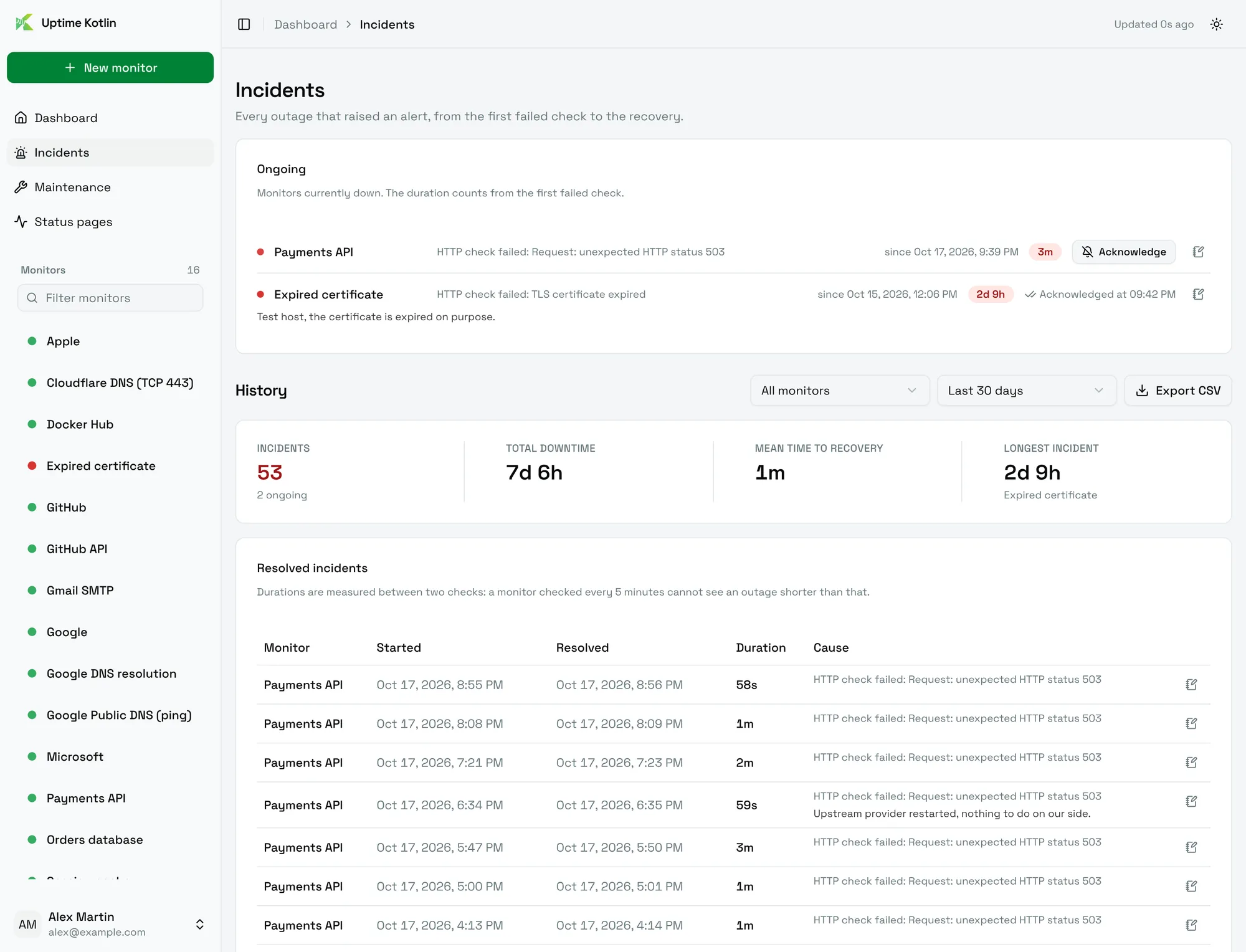
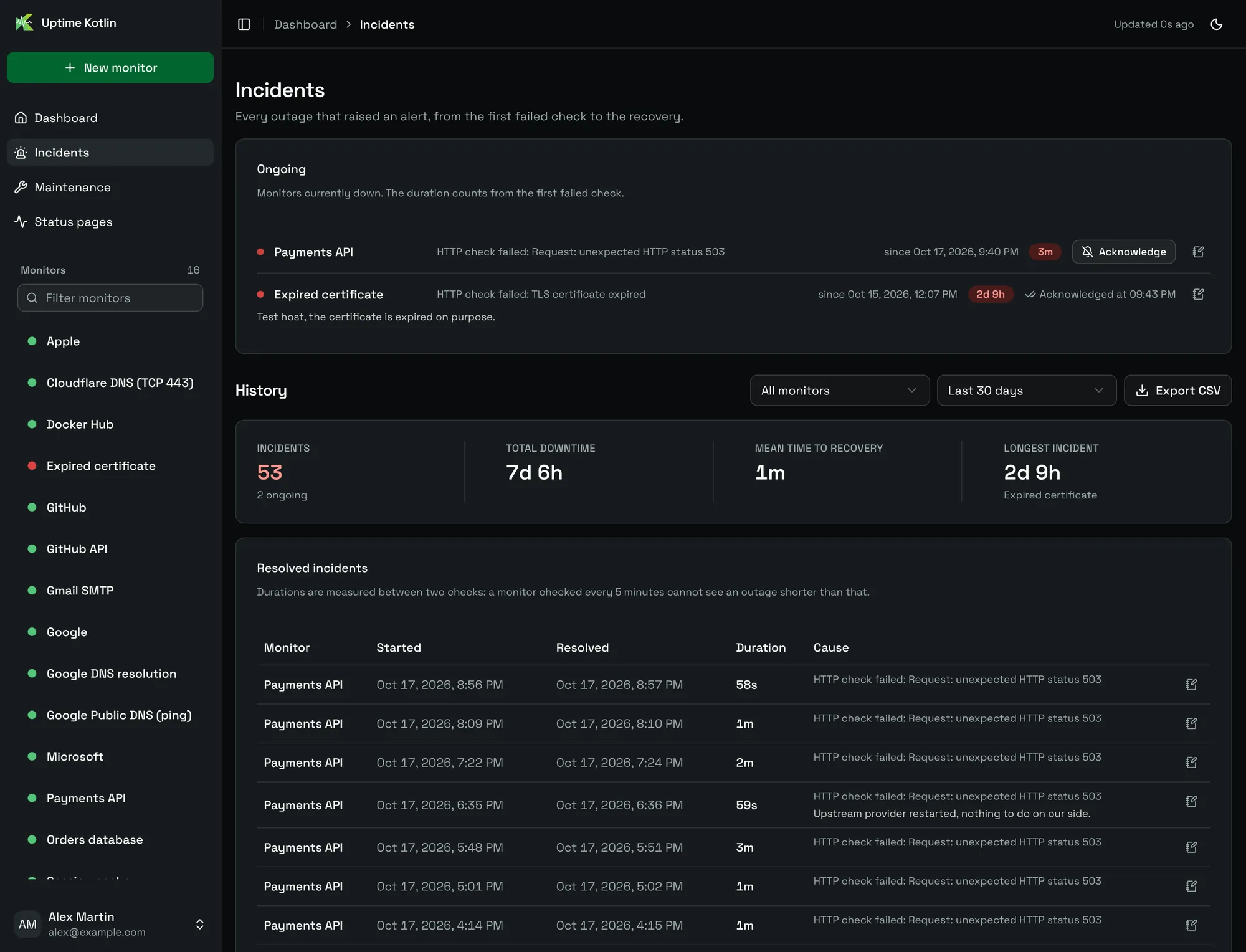
The Ongoing card lists the monitors down right now, with the error that opened the incident and how long it has lasted. The duration counts from the first failed check.
Acknowledge an incident
Choose Acknowledge to tell Uptime Kotlin that someone is on it. It silences the reminders of this outage; the recovery is still announced. The line then shows when it was acknowledged.
Add a note
Choose the note icon to write what happened: the cause, what was done. The note appears in the history, under the incident, for example Certificate expired, renewed at 09:40.
History
The History section summarizes a period:
| Figure | Meaning |
|---|---|
| Incidents | How many incidents started in the period, and how many are still ongoing. |
| Total downtime | The time spent down, all monitors together. |
| Mean time to recovery | The average duration of a resolved incident. |
| Longest incident | The longest outage of the period, and its monitor. |
Filter by monitor and by period: the last 24 hours, 7, 30 or 90 days, the last 12 months, or a calendar month. The Resolved incidents table lists each incident with its start, its end, its duration and its cause.
Durations are measured between two checks: a monitor checked every 5 minutes cannot see an outage shorter than that.
Export for a monthly report
Export CSV downloads the incidents of the selected period, ongoing ones included, as a CSV file. For an availability report, pick a calendar month and filter on the monitors of the service.
How an incident closes
An incident closes in one of two ways:
- Recovered: a check succeeds again. The recovery notification gives the downtime.
- Monitor paused: the monitor was paused while down.
Planned work does not need to open incidents: schedule a maintenance window instead.