
Monitors / Monitor network services
Monitor network services
Check TCP ports, ping hosts over ICMP with a packet loss threshold, and query a DNS server for A, AAAA, CNAME, MX or TXT records.
Three protocols check the network layer: a TCP port that accepts connections, a host that answers ping, and a DNS server that resolves a record.
TCP
A TCP monitor opens a connection on a port and closes it. Use it for services without an HTTP endpoint: an SSH server, a database port, a game server.
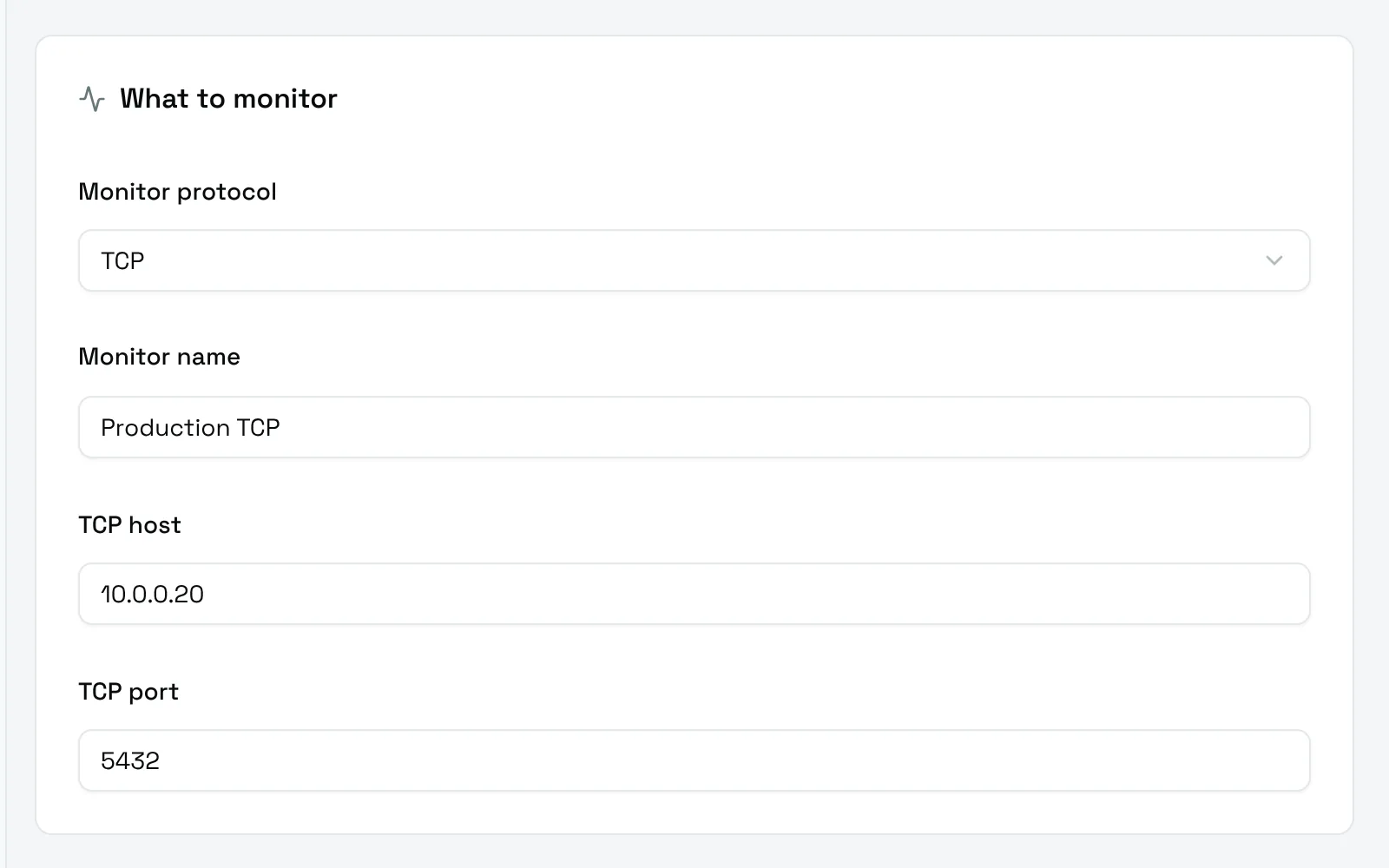
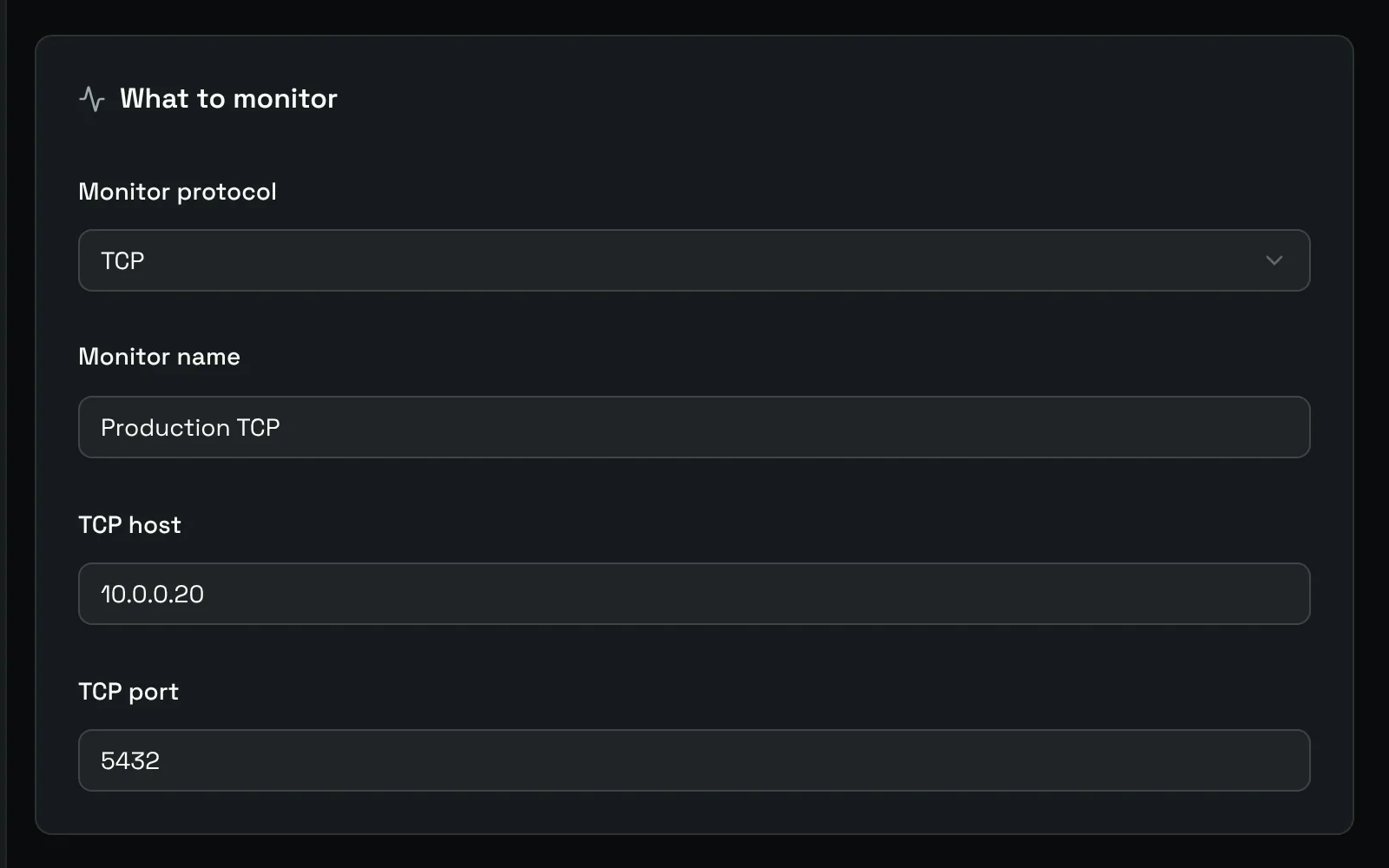
- TCP host: the IPv4 address of the host, for example
10.0.0.20. - TCP port: the port, between 1 and 65535.
The check succeeds as soon as the connection opens. The log gives the time it took, for example TCP connection successful in 6ms.
Ping
A Ping monitor sends ICMP echo requests to a host.
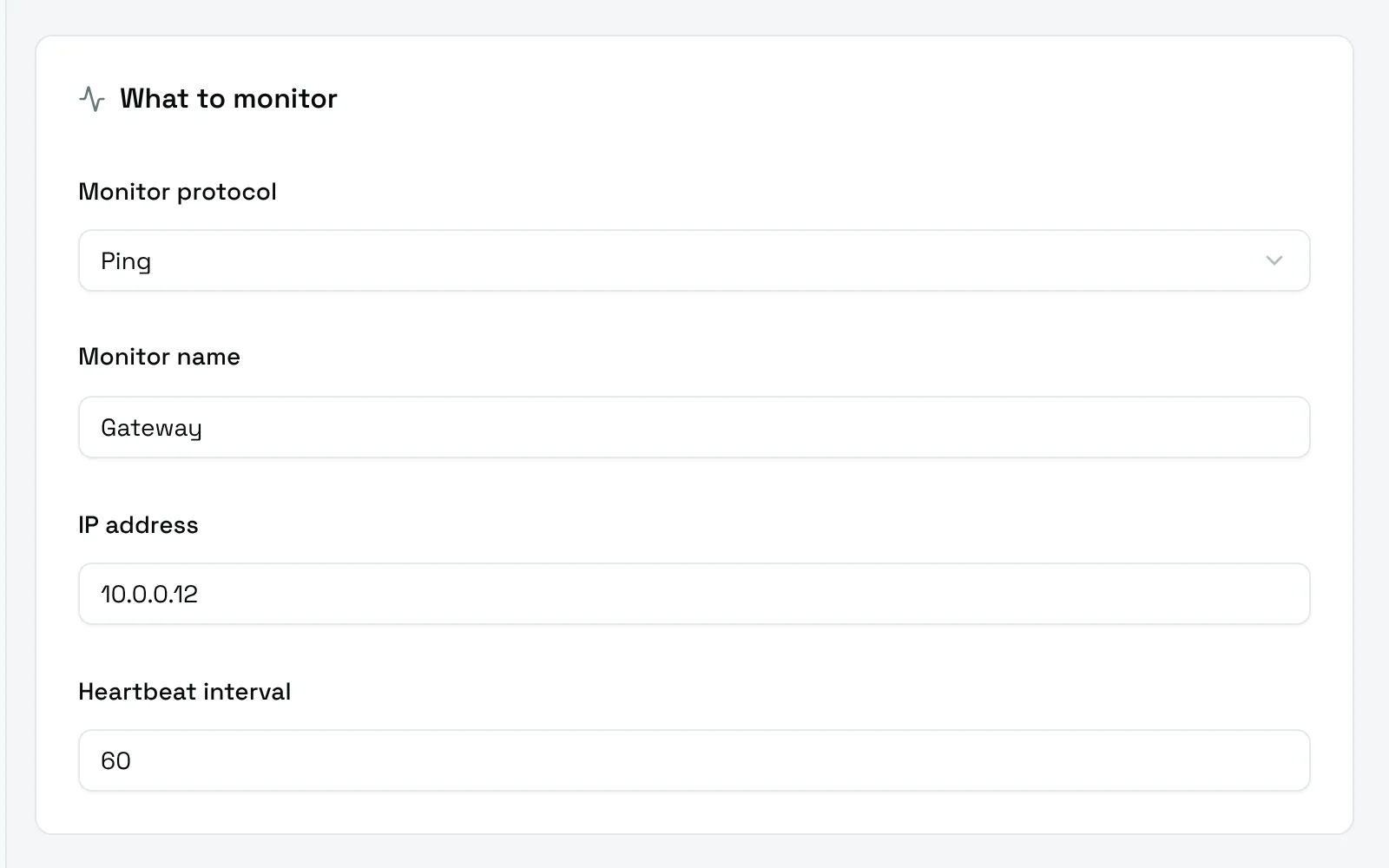
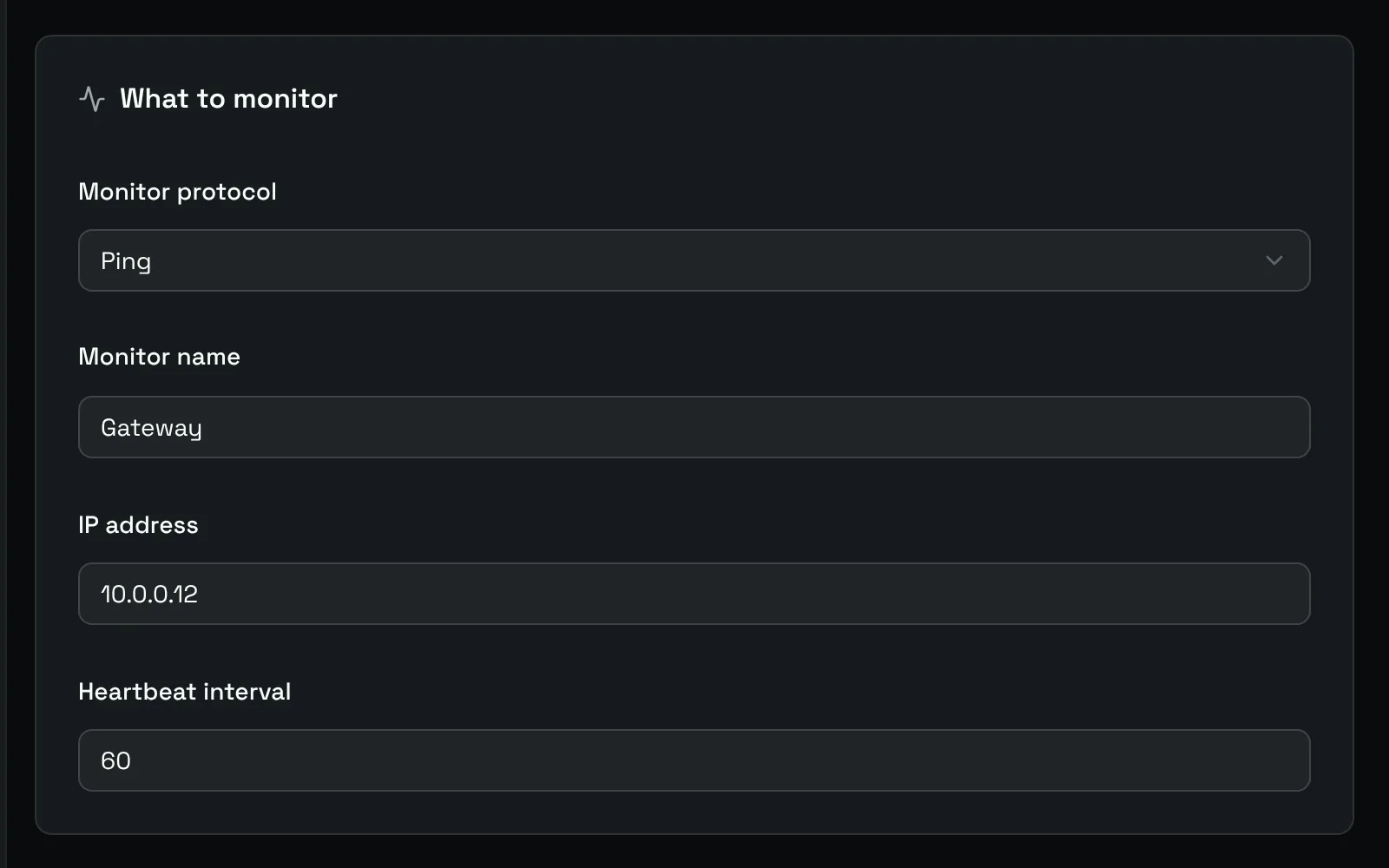
- IP address: the IPv4 address to ping.
- Heartbeat interval: a value between 1 and 60, asked by the form.
The Settings card adds the details of each check:
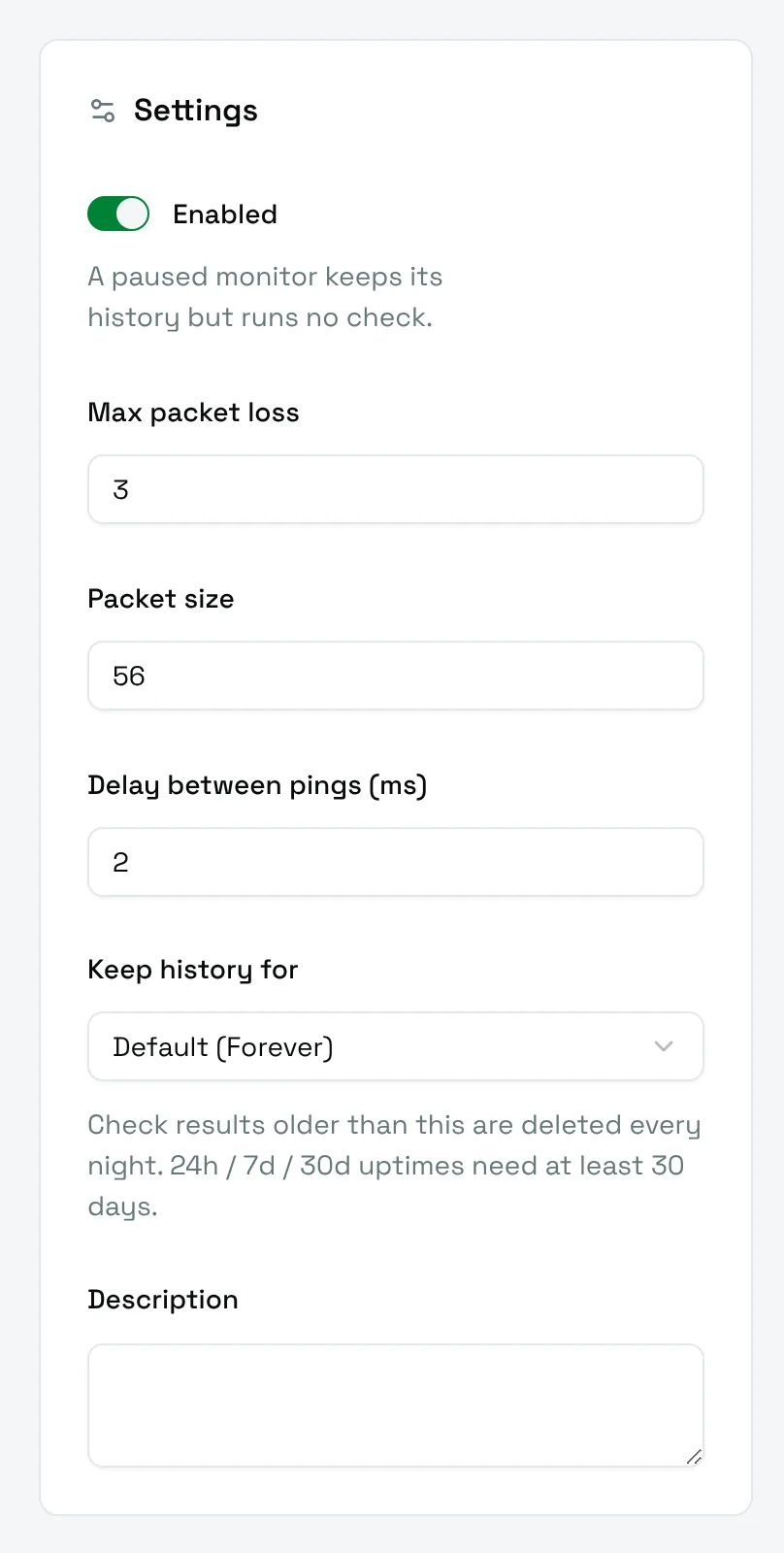
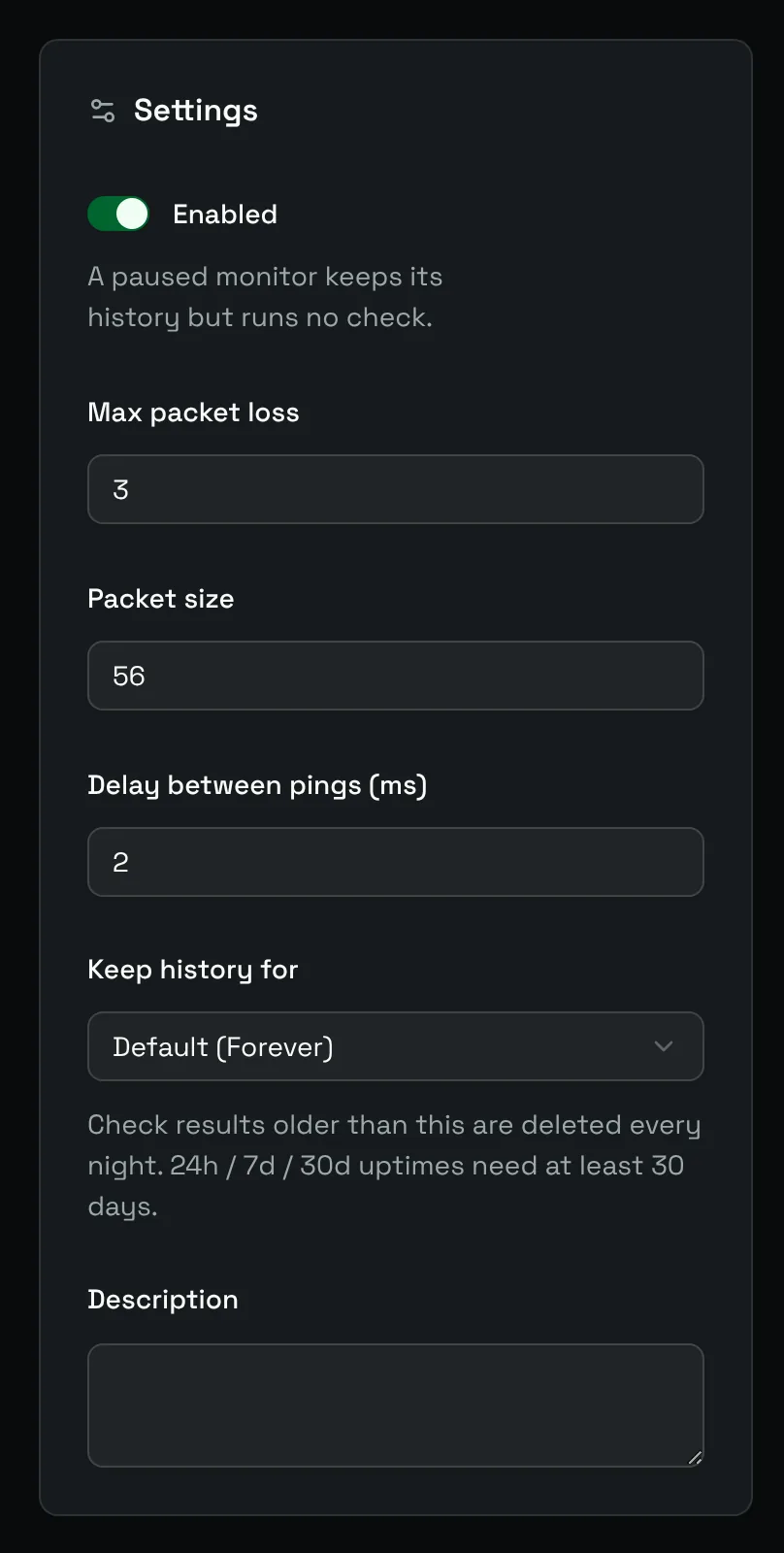
| Field | Default | Meaning |
|---|---|---|
| Max packet loss | 3 | How many echo requests each check sends, between 1 and 10. |
| Packet size | 56 | Size of each packet in bytes, between 32 and 65500. |
| Delay between pings (ms) | 2 | Pause between two requests of the same check. |
The result depends on how many replies arrive:
- every reply: Healthy;
- some replies: Degraded, for example
2/3 packets received (66%); - no reply: Unhealthy,
Host unreachable or ICMP blocked.
Many cloud providers and firewalls drop ICMP. If a host never answers ping, check a TCP port or an HTTP endpoint instead.
DNS
A DNS monitor asks a DNS server for a record and checks that one comes back.
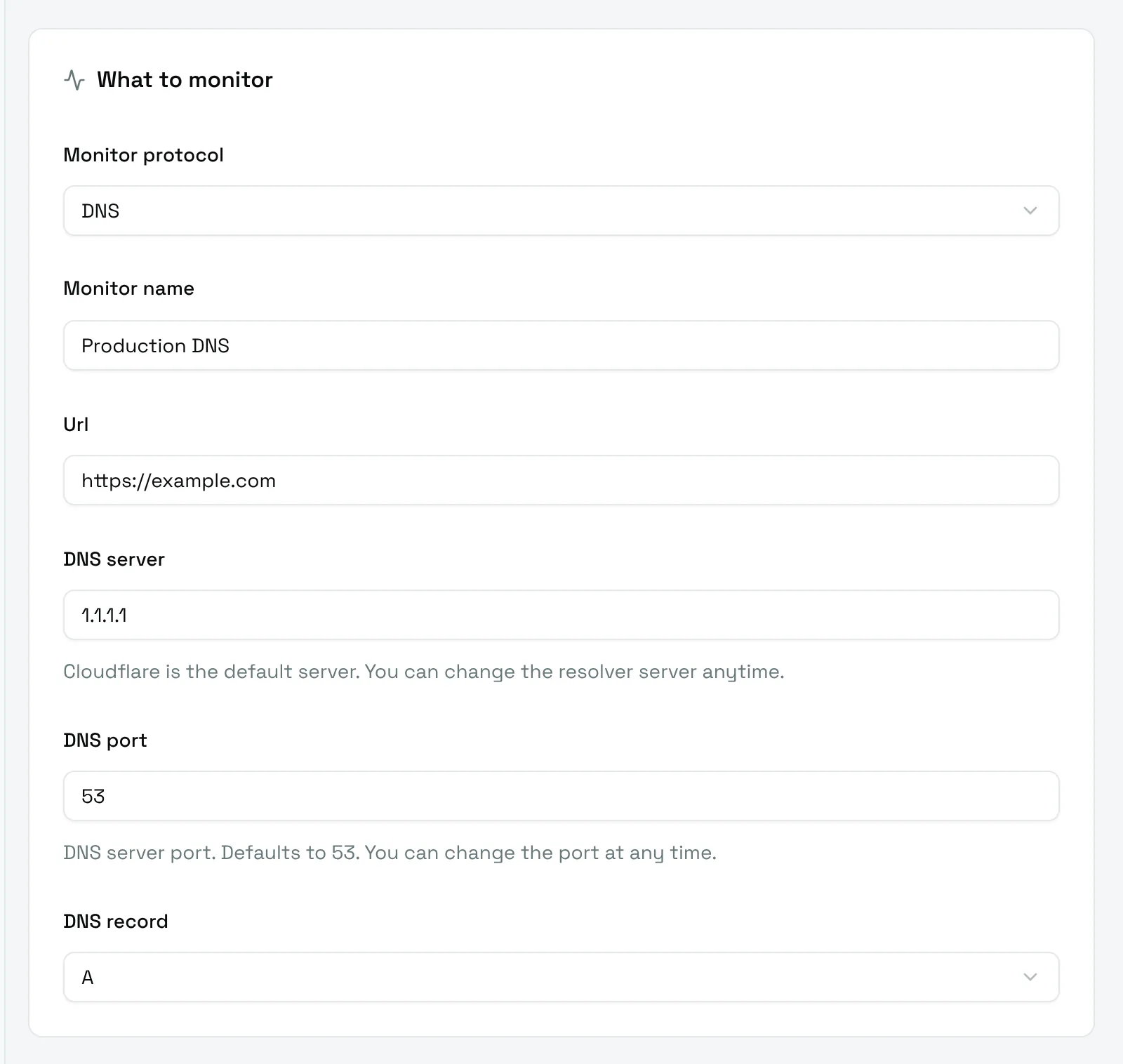
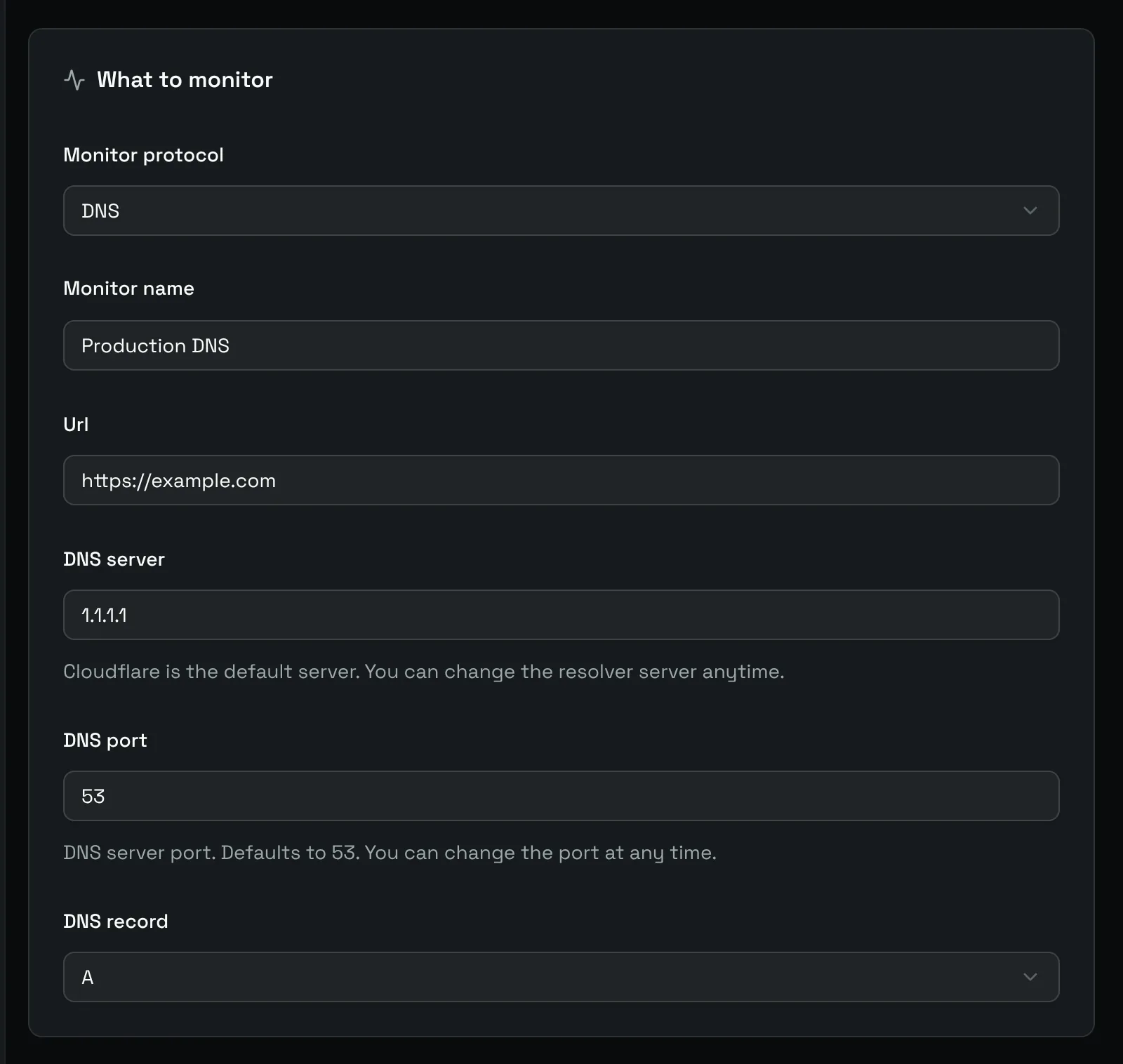
| Field | Default | Meaning |
|---|---|---|
| Url | The domain to resolve, written as a URL: https://example.com resolves example.com. |
|
| DNS server | 1.1.1.1 |
The IPv4 address of the resolver to ask. Cloudflare by default. |
| DNS port | 53 | The port of the DNS server. |
| DNS record | The type of record to look for: A, AAAA, CNAME, MX or TXT. |
The check fails when no record of this type exists. The log shows what was found, for example DNS lookup successful: A 93.184.215.14 in 14 ms.
A domain apex such as example.com cannot have a CNAME record: look for A or AAAA there, and keep CNAME for subdomains such as www.example.com.
Point the monitor at your authoritative server to check your own zone, or at a public resolver to check what your users see.