
Notifications / Send alerts to Telegram
Send alerts to Telegram
Create a bot with BotFather and post alerts to a chat, a group, a channel or a forum topic.
The Telegram type posts alerts through a bot that you create.
Create the bot
- In Telegram, open a chat with @BotFather and send
/newbot. - Choose a name and a username. BotFather answers with a token such as
123456789:AAH.... - Add the bot to the group or channel that should receive the alerts. In a channel, make it an administrator so it can post.
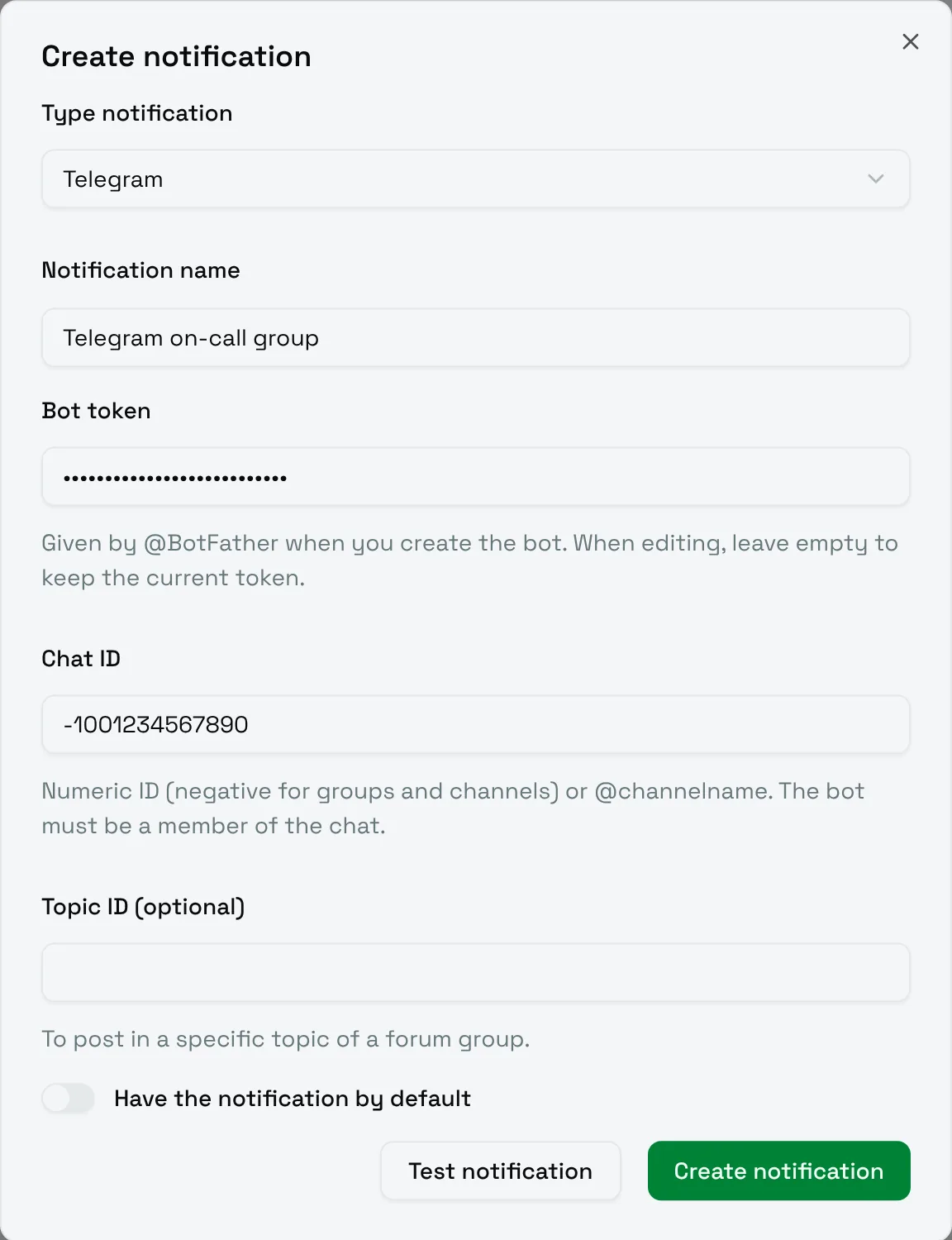
Fill in the form
| Field | Meaning |
|---|---|
| Bot token | The token given by BotFather. When editing, leave it empty to keep the current token. |
| Chat ID | The numeric ID of the chat, negative for groups and channels (for example -1001234567890), or @channelname for a public channel. The bot must be a member of the chat. |
| Topic ID (optional) | To post in a specific topic of a forum group. |
Choose Test notification: the bot should post a test message in the chat.