
Notifications / Send alerts by email
Send alerts by email
Email the alerts through your own SMTP server or a transactional provider: hostname, port 587 with STARTTLS, credentials and recipients.
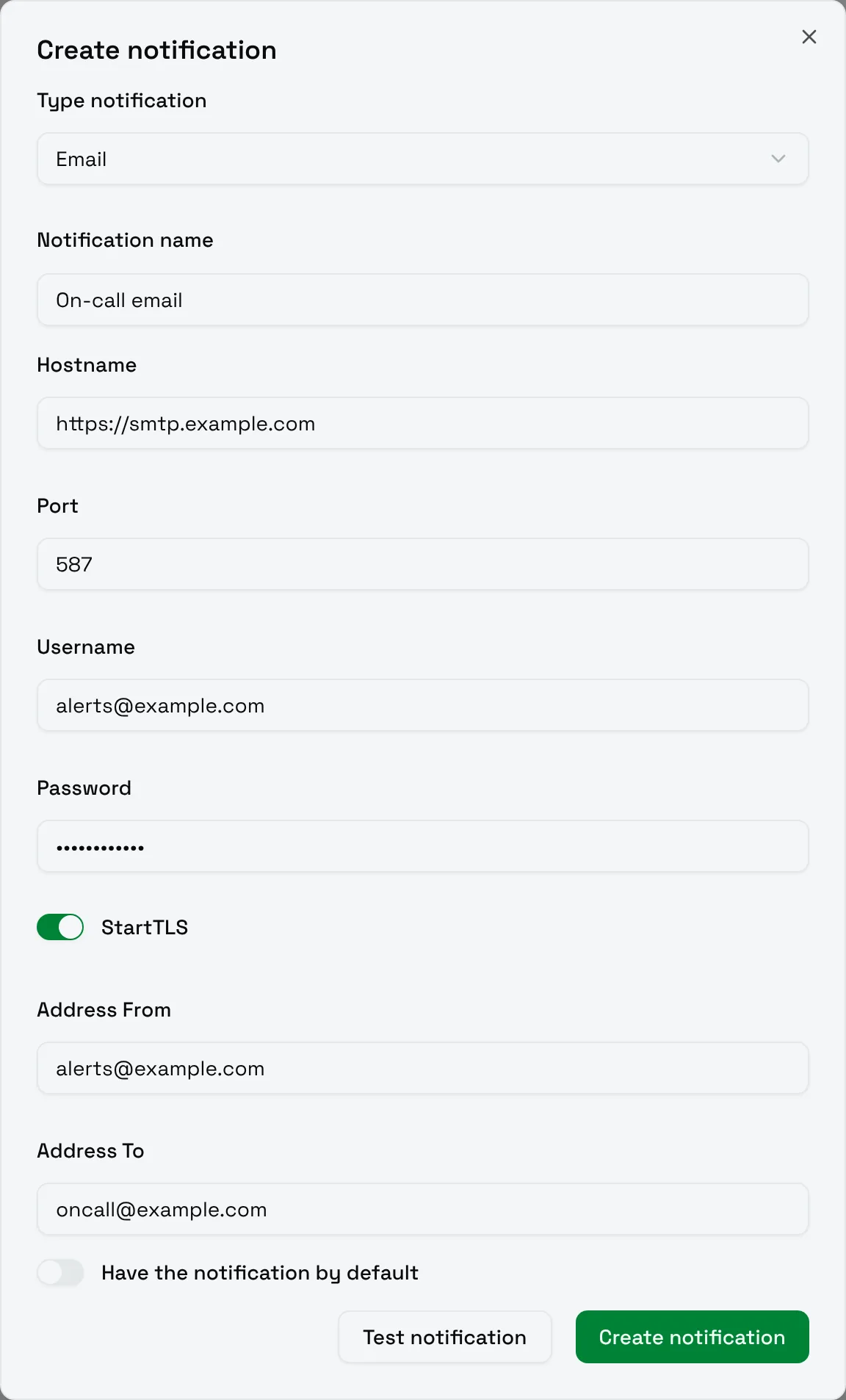
The Email type sends alerts through an SMTP server you provide: your company mail server, or a transactional email provider.
| Field | Meaning |
|---|---|
| Hostname | The SMTP server, written with a scheme, for example https://smtp.example.com. The scheme is ignored when connecting. |
| Port | Usually 587 with STARTTLS. |
| Username | The SMTP account, as an email address. |
| Password | The password of the account, or an app password. |
| StartTLS | Upgrade the connection to TLS. Turn it on for port 587. |
| Address From | The sender of the alerts. Your provider may require an address of a verified domain. |
| Address To | The recipient of the alerts. |
Tips
- Send to a shared address, such as a mailing list of the on-call team, rather than a person.
- With Gmail, create an app password: the account password is refused when two-step verification is on.
- Choose Test notification to check the credentials before saving.