
Get started / What is Uptime Kotlin?
What is Uptime Kotlin?
A self-hosted uptime monitor for websites, APIs, databases and message brokers, with alerts and public status pages.
Uptime Kotlin checks that your services answer, alerts your team when one stops, and shows the result on public status pages. You run it yourself: one Docker image and a PostgreSQL database, on your own server.
Understand the vocabulary
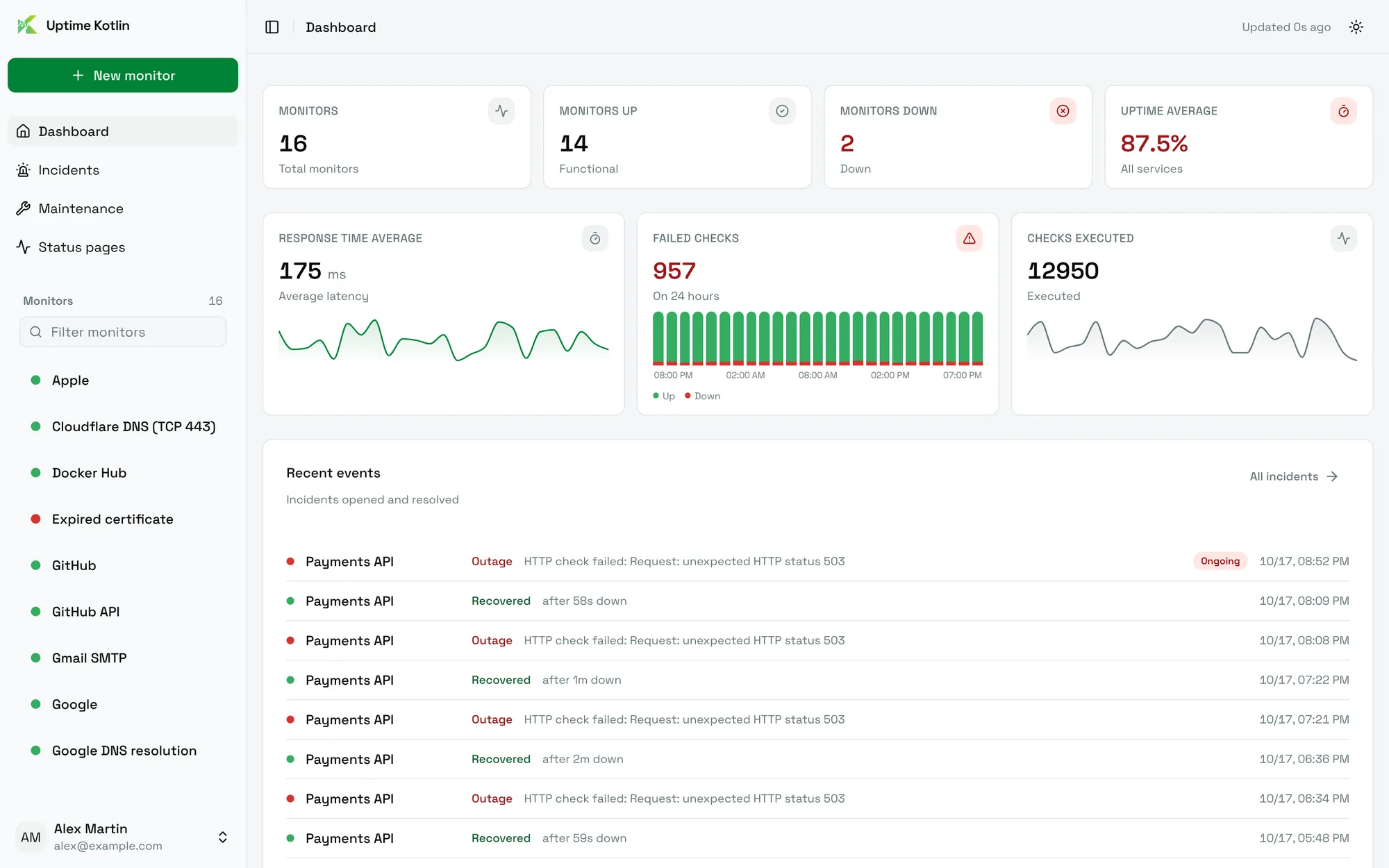
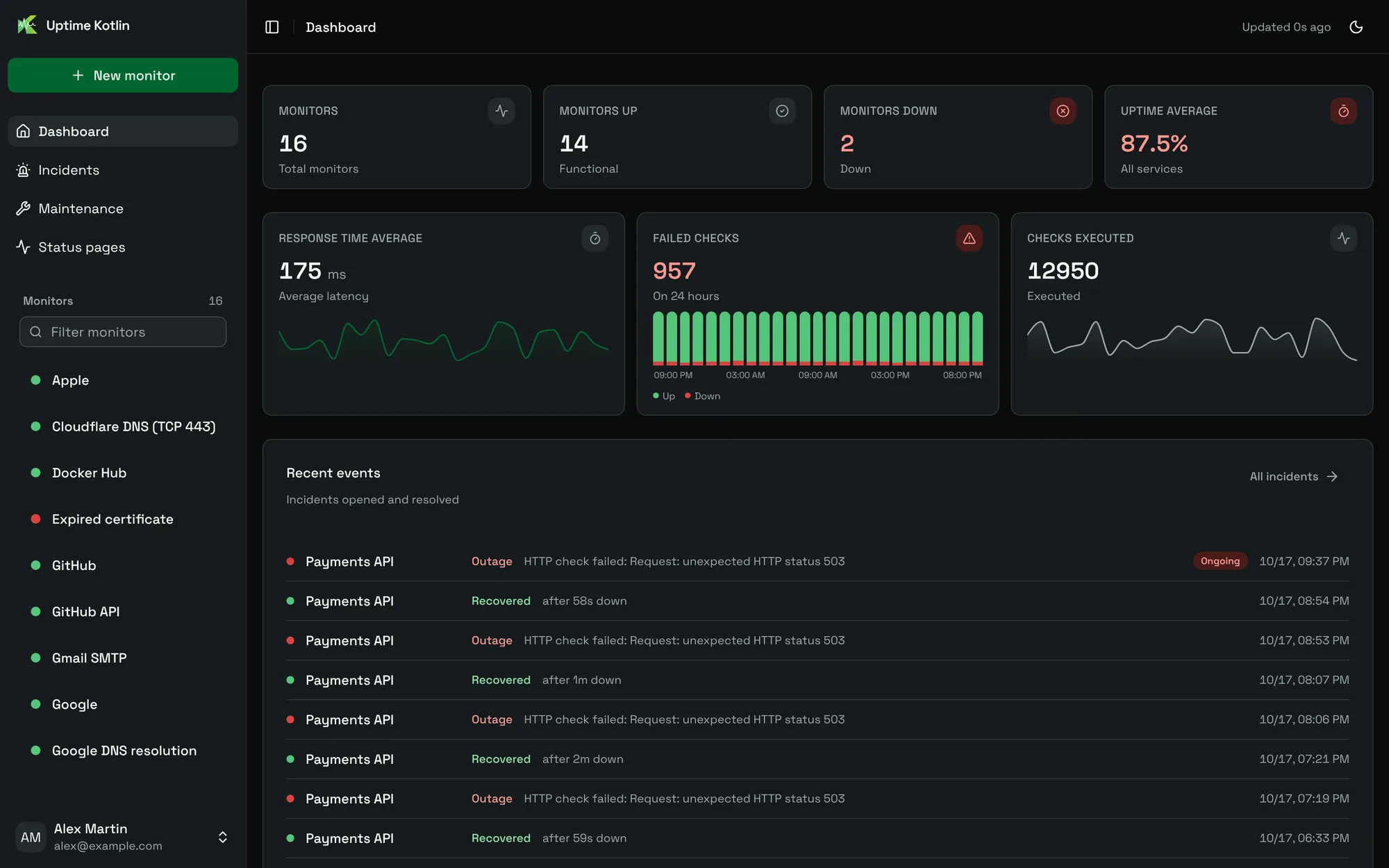
A monitor checks one service at a regular interval: a website, a TCP port, a database, a Kafka cluster. Each check produces a result, kept in the history of the monitor.
When a monitor fails, Uptime Kotlin opens an incident and sends a notification to the channels you chose: Slack, Discord, Microsoft Teams, Telegram, ntfy, Gotify, email or a webhook. When the service answers again, the incident closes and a recovery message is sent.
A maintenance window silences the alerts of some monitors during planned work. A status page publishes the health of the monitors you pick, without sign-in, for your users.
What it can monitor
Eleven protocols, in three families:
| Family | Protocols |
|---|---|
| Web and network | HTTP and HTTPS, TCP, Ping, DNS |
| Databases | PostgreSQL, MySQL and MariaDB, Microsoft SQL Server, Redis |
| Messaging and mail | SMTP, Kafka, RabbitMQ |
Each family has its own guide: websites and APIs, network services, databases and messaging.
Try it before installing
The live demo is read-only. The login form is filled in for you, you can open every page and form, and nothing is saved. It monitors well-known public services, with a few failures on purpose (a 404, a flaky API, an expired certificate) so you can see incidents and alerts.
Prefer the public side? Open the demo status page.
How it runs
The ghcr.io/theomeunier/uptime-kotlin image contains the web interface, the API and the checks. It is a native image that runs in about 50 MB of RAM, on amd64 and ARM64. Your data stays in your PostgreSQL database, and stored secrets are encrypted with a key that only you hold.
When one machine is not enough, add workers to spread the checks: see Cluster mode.
Next steps
- Install Uptime Kotlin with Docker Compose.
- Create your first monitor.
- Get alerted when it goes down.