
Monitors / Schedule a maintenance window
Schedule a maintenance window
Silence alerts during planned work, once or on a recurring schedule, without losing the checks.
A maintenance window covers planned downtime. While it runs, the alerts of its monitors stay quiet and the outage does not count against their uptime. The checks keep running, so you can watch the service come back.
Open Maintenance in the sidebar to see the windows, their next occurrence and how often they repeat.
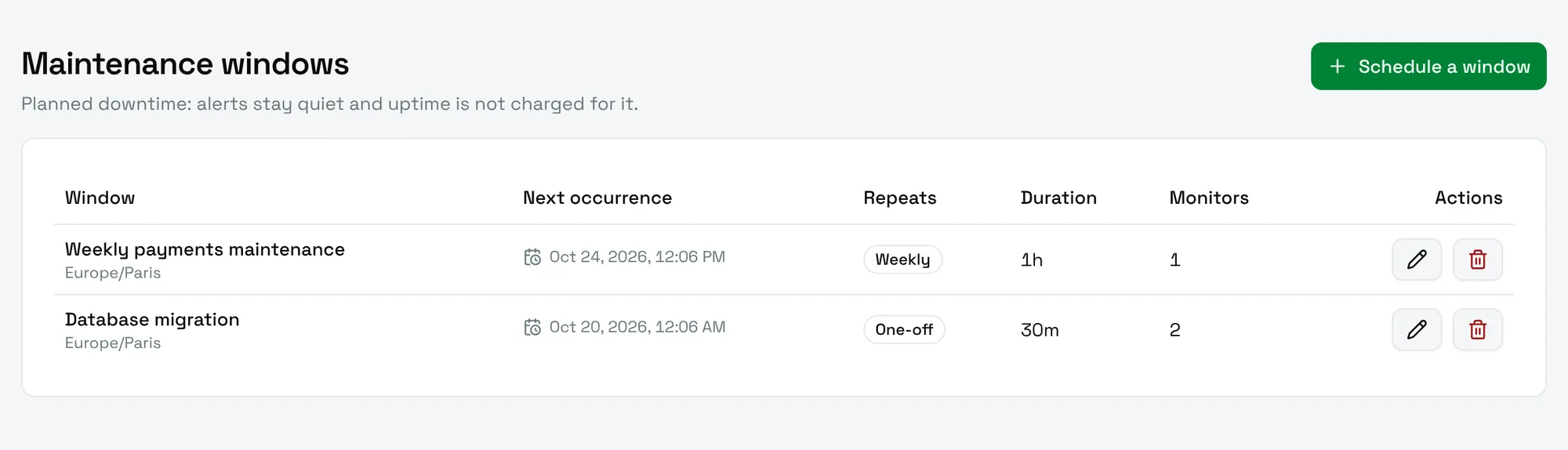
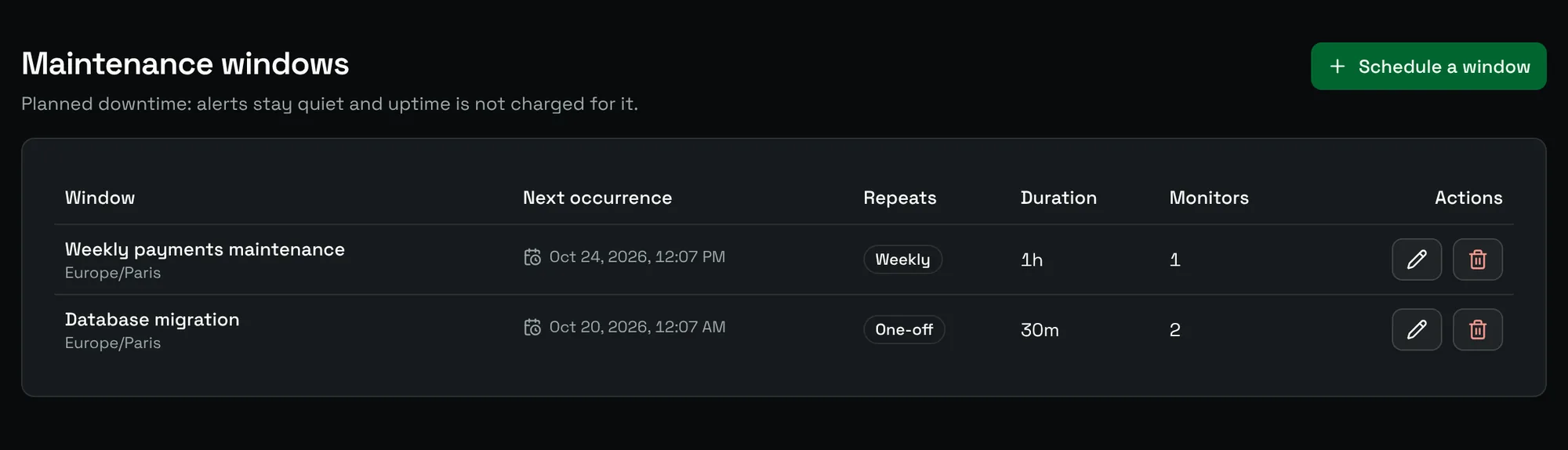
Create a window
Choose Schedule a window and fill in the form.
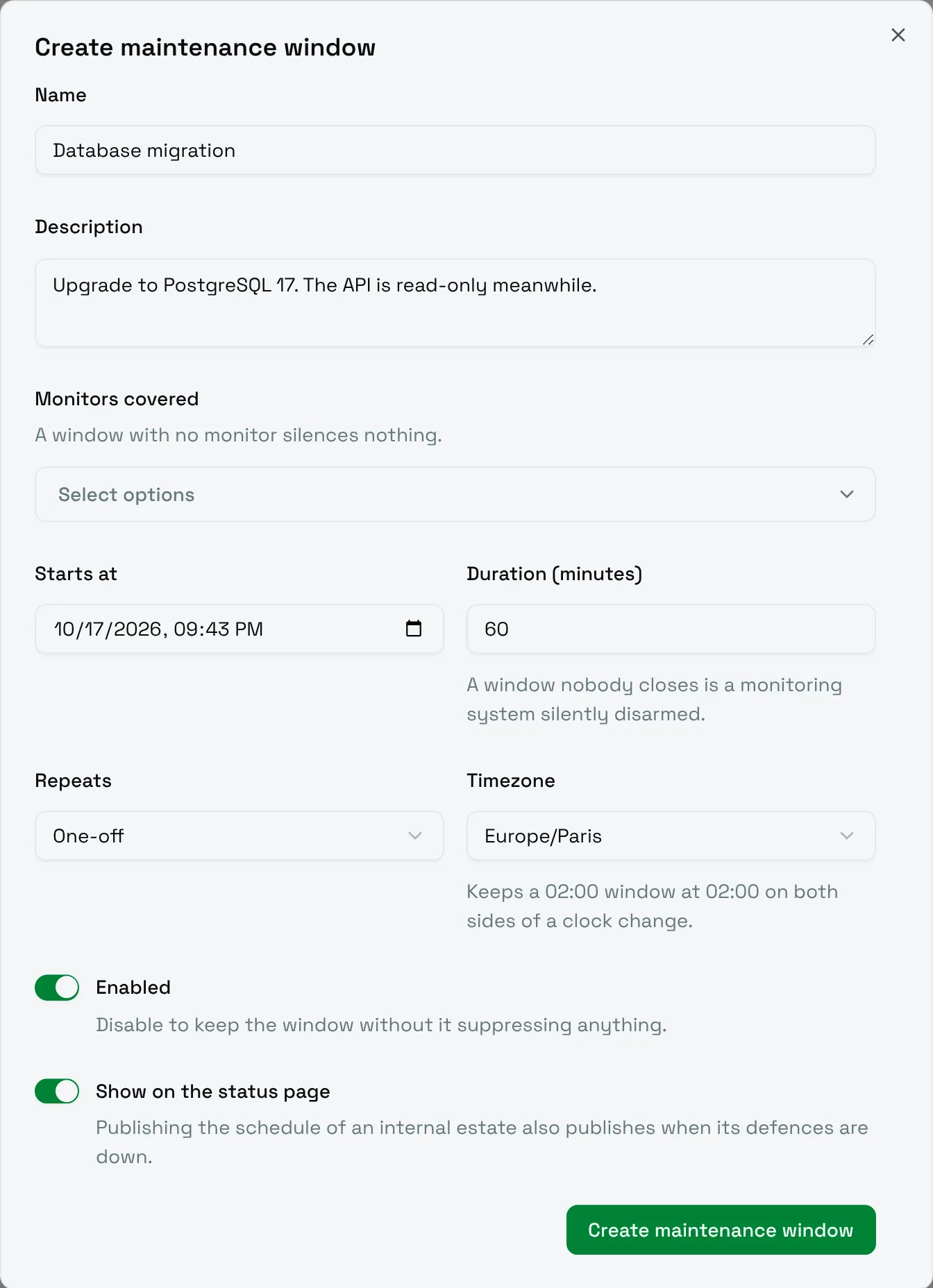
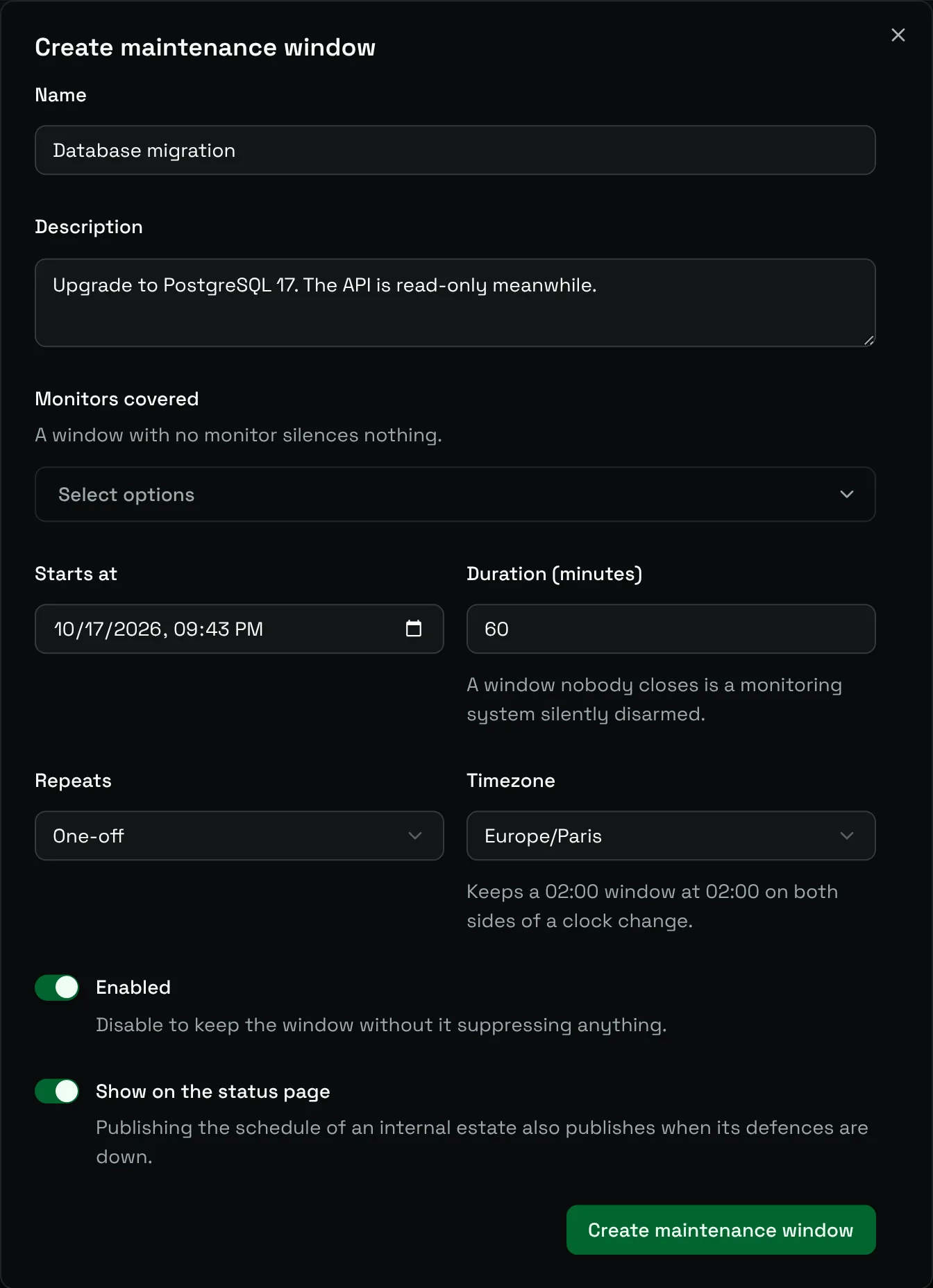
| Field | Meaning |
|---|---|
| Name and Description | What the work is about. Shown on status pages when the window is public. |
| Monitors covered | The monitors to silence. A window with no monitor silences nothing. |
| Starts at | The start of the first occurrence. |
| Duration (minutes) | How long each occurrence lasts. There is no open-ended option on purpose: a window nobody closes is a monitoring system silently disarmed. |
| Repeats | One-off, Daily, Weekly or Monthly. |
| Repeats until | For a recurring window, the last date. Leave it empty to repeat indefinitely. |
| Timezone | Keeps a 02:00 window at 02:00 on both sides of a clock change. |
| Enabled | Switch it off to keep the window without it silencing anything. |
| Show on the status page | Announce the window on public status pages. |
Think twice before publishing the schedule of an internal service: it also tells everyone when its defences are down.
Start maintenance now
For unplanned work, open the page of the monitor, choose More actions, then Maintenance. Pick a duration: the window starts at once. You can always end it early with End now.
During a window
- The monitor shows a Maintenance badge with the time left, or the time before the next occurrence.
- Failed checks raise no alert and open no incident.
- The uptime is not charged for the window.
- A public window appears on status pages as planned downtime.
To skip a single occurrence of a recurring window, cancel that occurrence; the next ones stay planned.
Limits
Two settings of the instance bound the windows: MAINTENANCE_HORIZON_DAYS (90 days by default) and MAINTENANCE_MAX_DURATION_HOURS (24 hours by default). See Configuration.