
Monitors / Monitor mail and message brokers
Monitor mail and message brokers
SMTP handshakes, Kafka producers and RabbitMQ management nodes.
These monitors check the services that carry your emails and your events.
SMTP
An SMTP monitor connects to a mail server and runs the SMTP handshake. None of these checks sends an email.
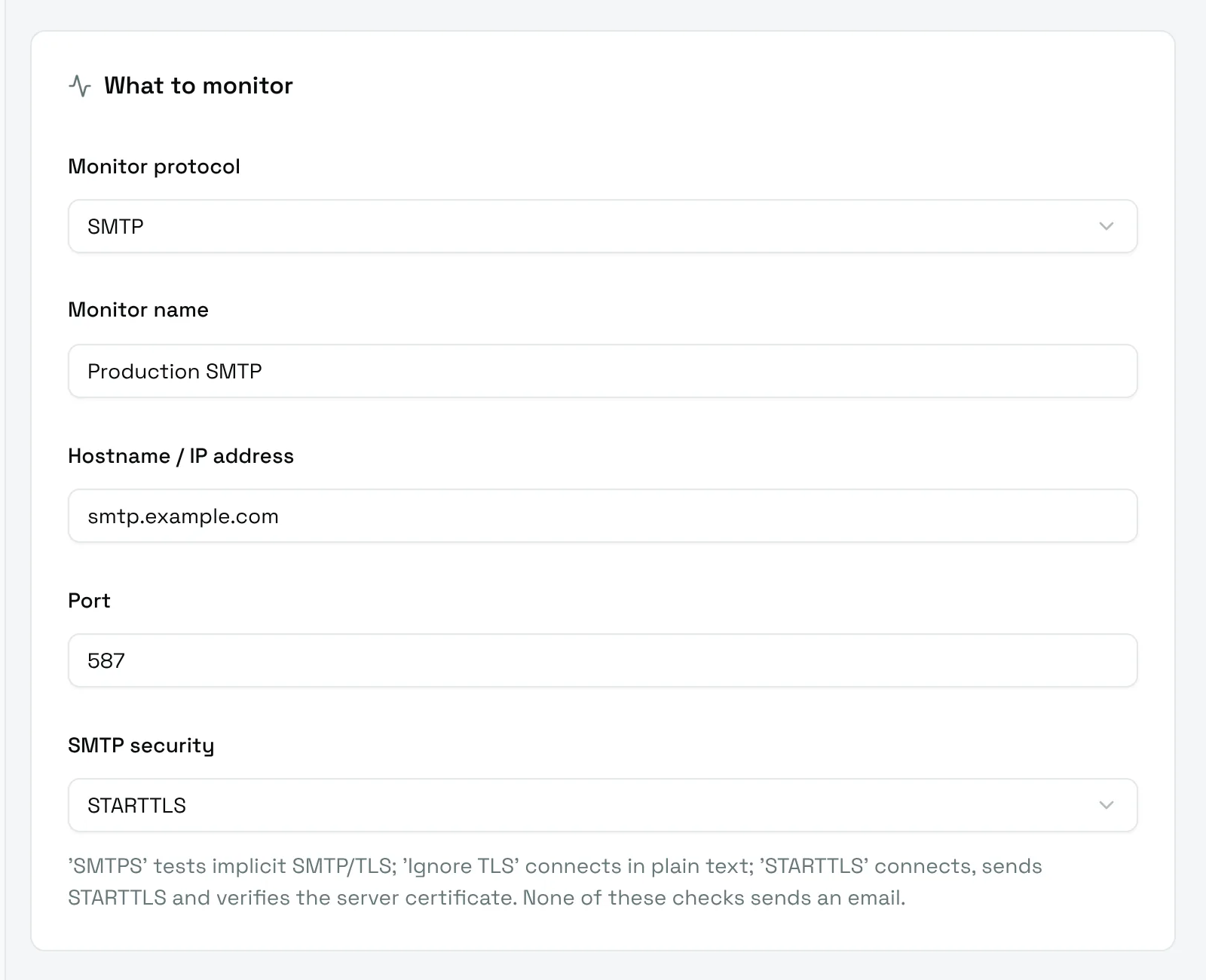
- Hostname / IP address: the mail server, for example
smtp.example.com. - Port:
587by default. - SMTP security:
- SMTPS tests implicit TLS, usually on port 465;
- STARTTLS connects, sends
STARTTLSand verifies the server certificate, usually on port 587; - Ignore TLS connects in plain text.
Kafka
A Kafka producer monitor produces one message on a topic at each check. The check succeeds when the brokers acknowledge the message.
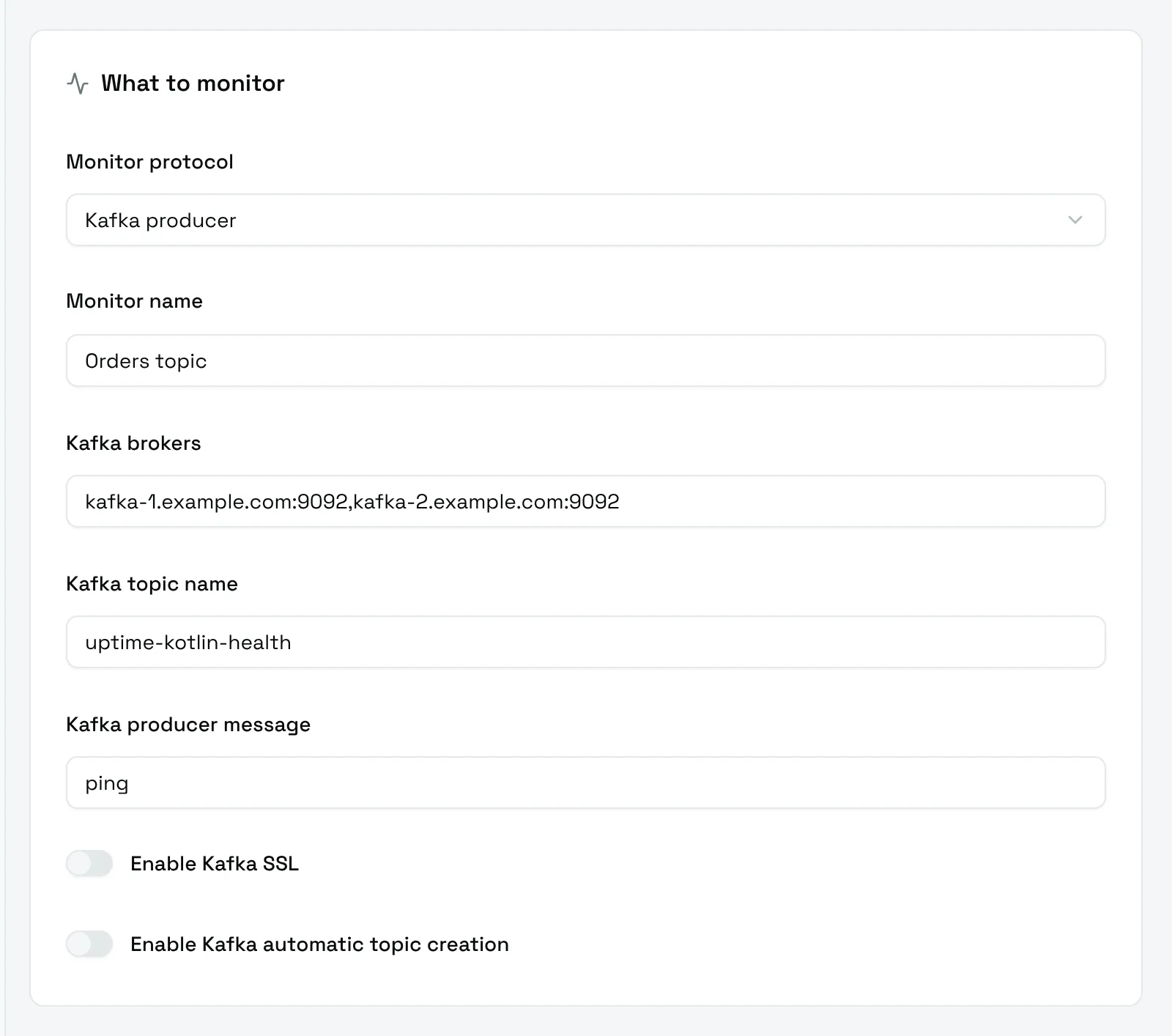
- Kafka brokers: the bootstrap servers, separated by commas:
kafka-1:9092,kafka-2:9092. - Kafka topic name: the topic that receives the messages. Use a dedicated topic, such as
uptime-kotlin-health. - Kafka producer message: the content of the message.
- Enable Kafka SSL: connect with TLS.
- Enable Kafka automatic topic creation: let the brokers create the topic if it does not exist.
Give the topic a short retention: it receives one message per check.
RabbitMQ
A RabbitMQ monitor asks the management API of each node whether an alarm is raised. The check succeeds when every node answers without alarm.
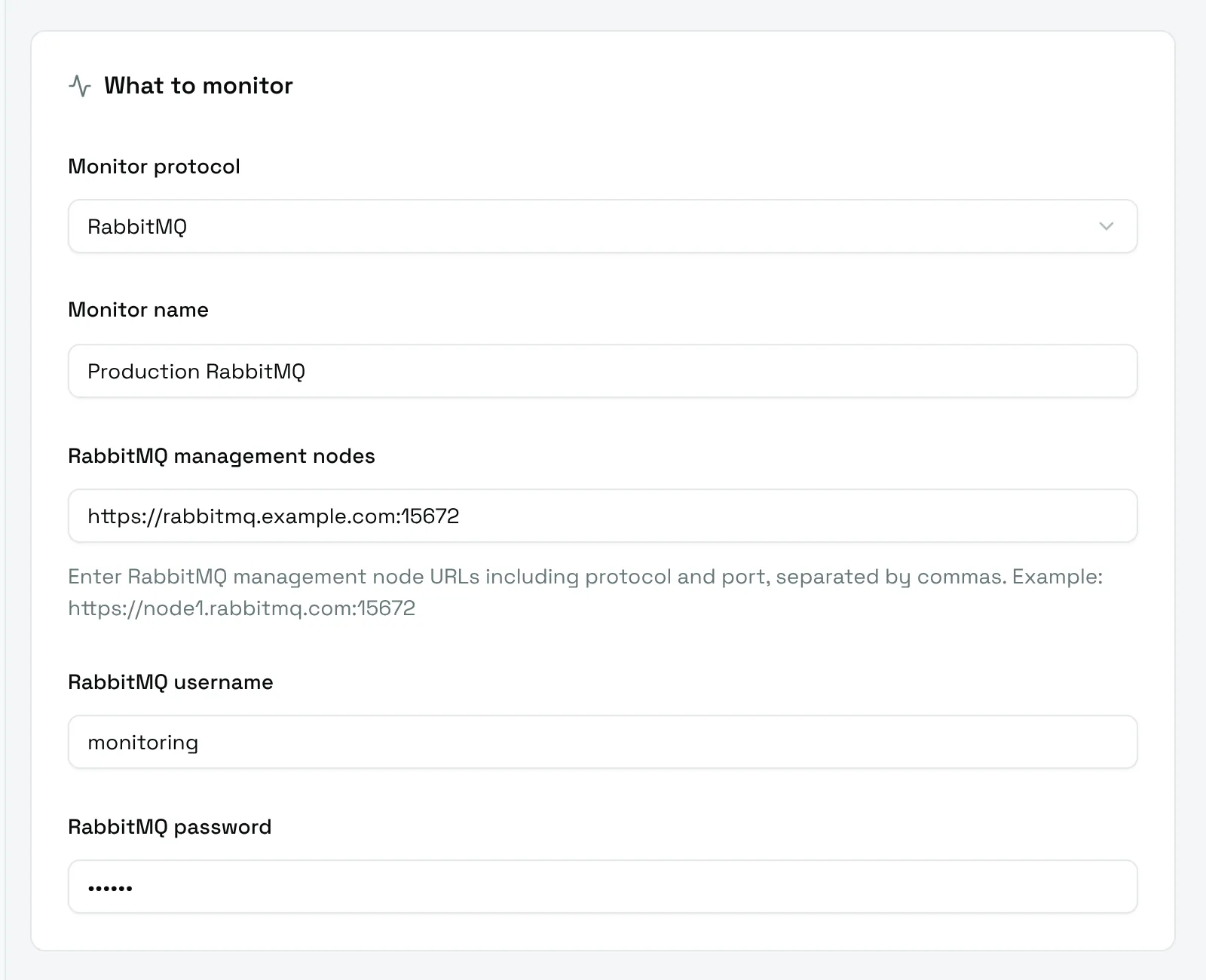
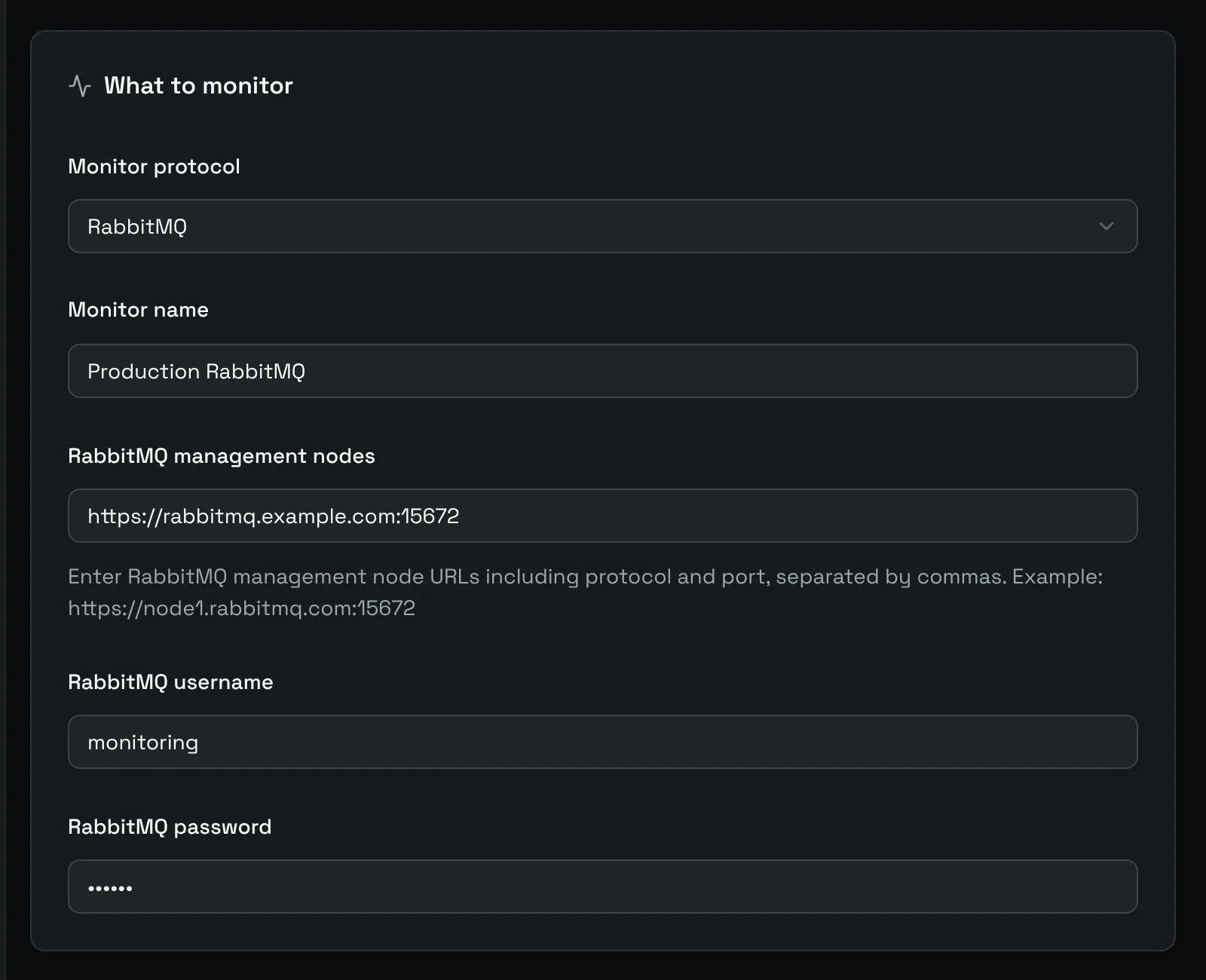
- RabbitMQ management nodes: the URLs of the management API, with protocol and port, separated by commas:
https://node1.rabbitmq.example.com:15672,https://node2.rabbitmq.example.com:15672. - RabbitMQ username and RabbitMQ password: a user allowed to read the management API.
The management plugin must be enabled on the nodes. The check calls /api/health/checks/alarms on each one, so a memory or disk alarm on any node marks the monitor down.