
Get started / Install Uptime Kotlin
Install Uptime Kotlin
Run Uptime Kotlin and PostgreSQL with Docker Compose, then create the first account.
One image runs the web interface, the API and the checks. You only need it and PostgreSQL. Docker with the Compose plugin is the only requirement on the server.
Create a compose file
Create a compose.yaml file:
services:
  uptime-kotlin:
    image: ghcr.io/theomeunier/uptime-kotlin:latest
    container_name: uptime_kotlin
    restart: unless-stopped
    mem_limit: 512m
    ports:
      - '8080:8080'
    environment:
      TZ: Europe/Paris
      QUARKUS_DATASOURCE_USERNAME: uptime-kotlin
      QUARKUS_DATASOURCE_PASSWORD: change-me
      QUARKUS_DATASOURCE_JDBC_URL: jdbc:postgresql://postgres:5432/uptime-kotlin
      ENCRYPTION_MASTER_KEY: change-me-32-characters-minimum-0
      MP_JWT_VERIFY_ISSUER: https://issuer.uptime-kotlin.com
    depends_on:
      - postgres

  postgres:
    image: postgres:17.4-alpine
    container_name: uptime_kotlin_database
    restart: unless-stopped
    environment:
      POSTGRES_DB: uptime-kotlin
      POSTGRES_USER: uptime-kotlin
      POSTGRES_PASSWORD: change-me
      PGDATA: /var/lib/postgresql/data/pgdata
    volumes:
      - ./storage-db:/var/lib/postgresql/data
Set your secrets
Replace ENCRYPTION_MASTER_KEY with the output of this command, and change both change-me passwords:
openssl rand -base64 32Keep this key somewhere safe. It encrypts the stored secrets (notification tokens, database passwords of your monitors) and a lost key cannot be recovered. To change it later, see Rotate the master key.
Start the stack
docker compose up -dCreate the first account
Open http://localhost:8080. On the first visit, Uptime Kotlin asks for the account that will administer the instance: a full name, an email address and a password of at least 8 characters.
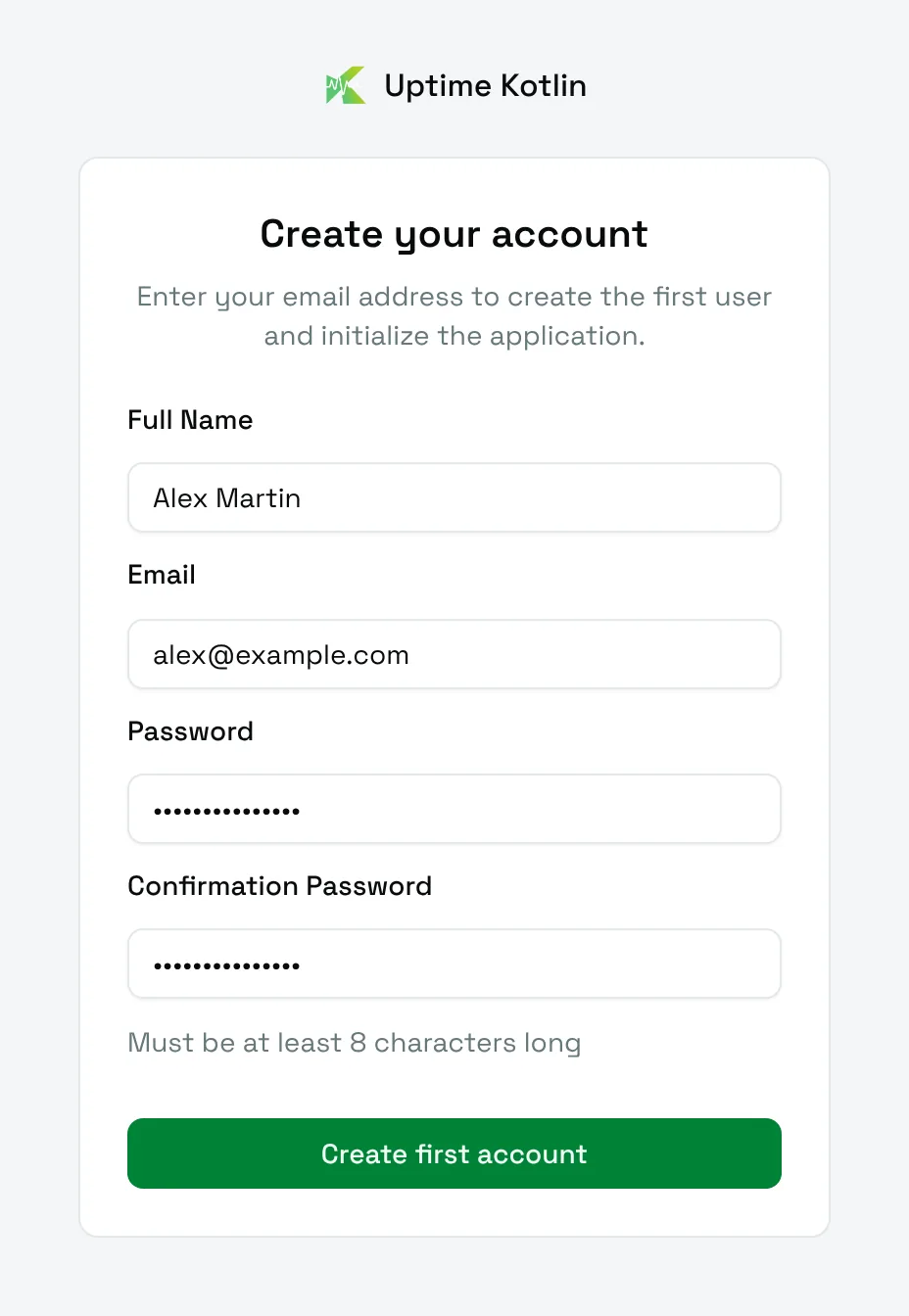
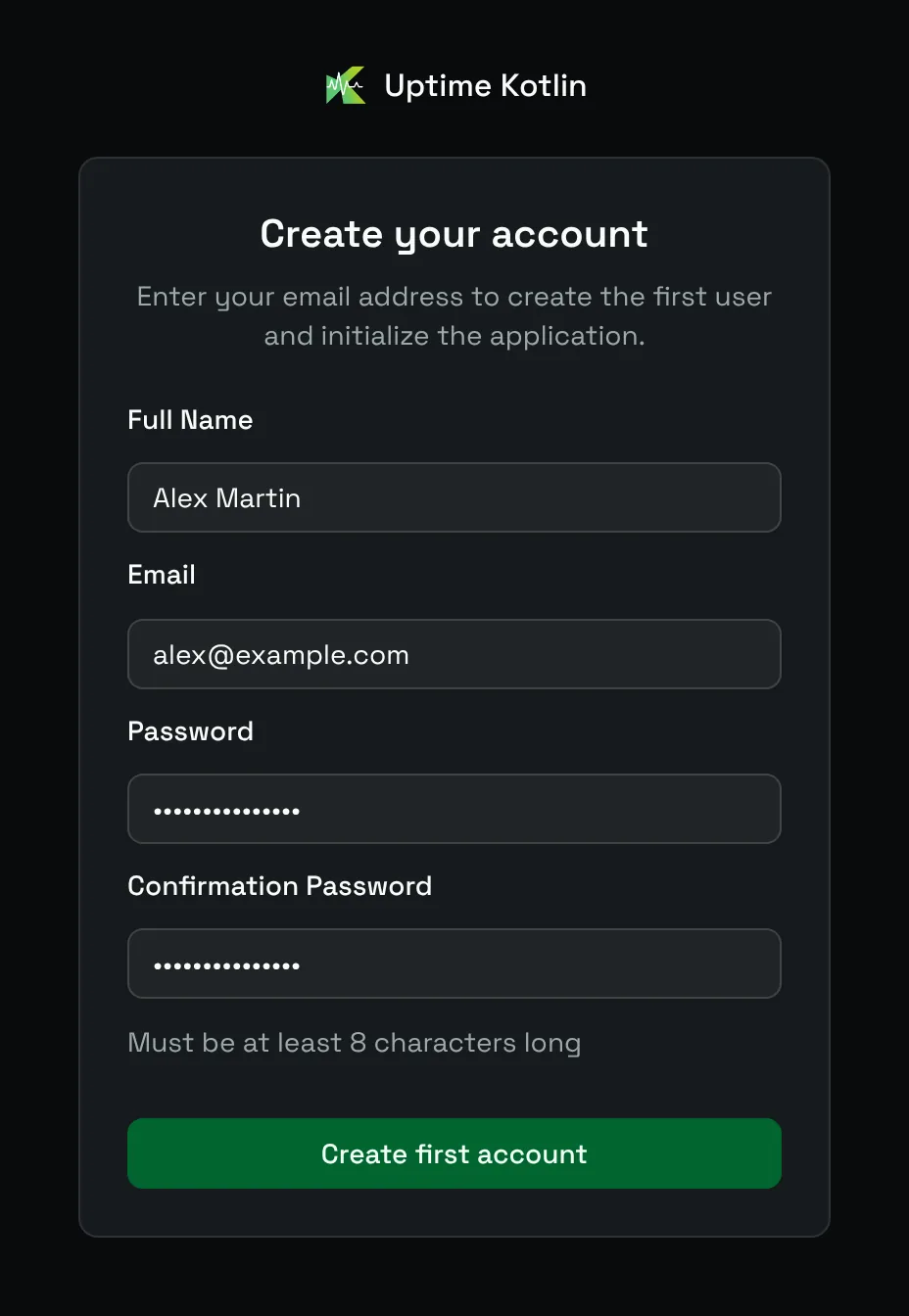
Choose Create first account. You land on the dashboard, and a short guided tour presents the interface. You can replay it at any time from your profile menu, under User guide.
Good to know
Keep the memory limit. The native heap is sized from the memory the container sees: about 50 MB with a limit, several hundred MB without.
Behind a reverse proxy, forward every path to port
8080and allow a 300 s read timeout for exports.
All the environment variables are listed on the configuration page. Next, create your first monitor.